








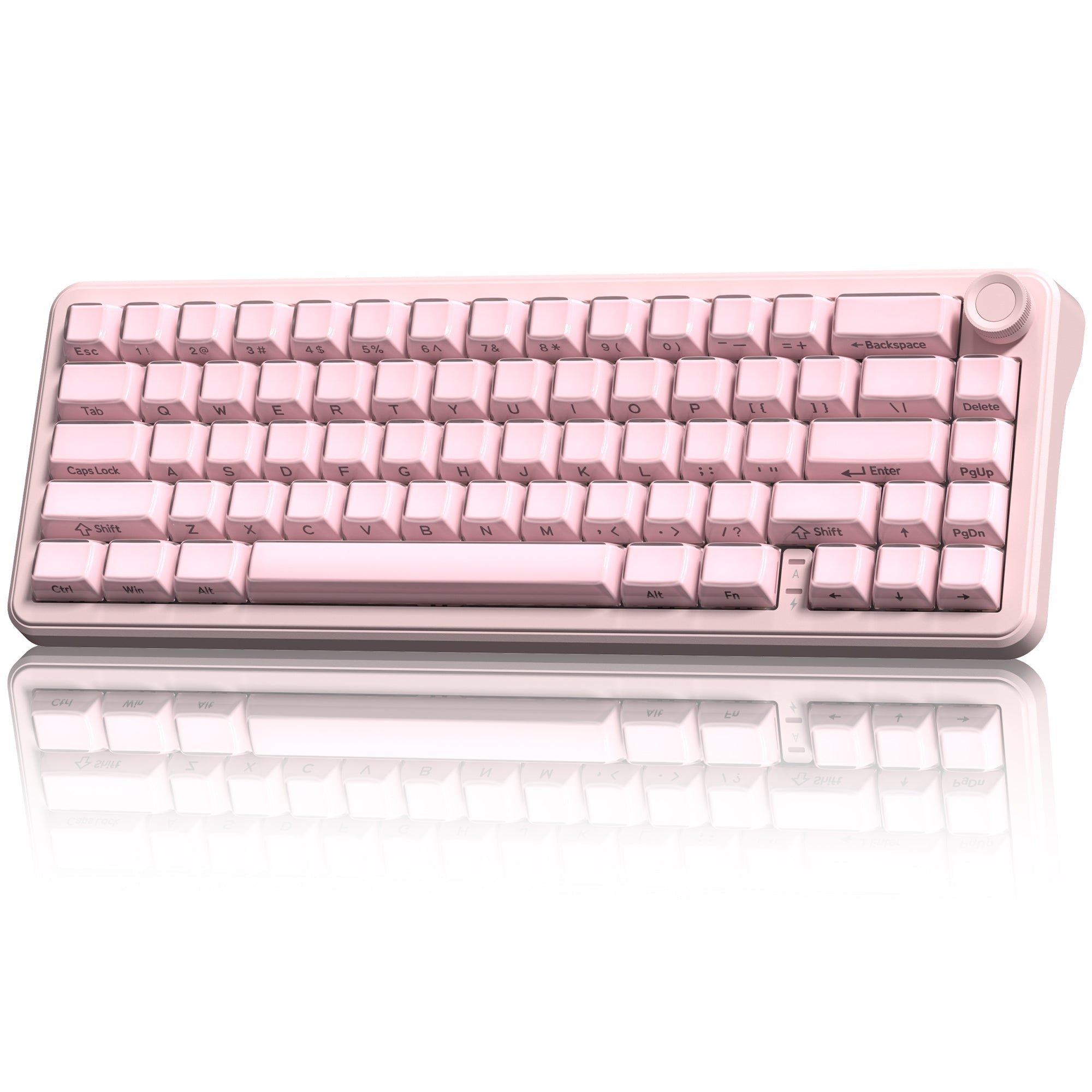

Keyboard Switches: Linear, Tactile and Clicky Explained
Discover why some keyboards feel smooth while others are clicky. Learn about linear, tactile, and clicky mechanical keyboard switches - their structure, feel, pros, and best use cases.
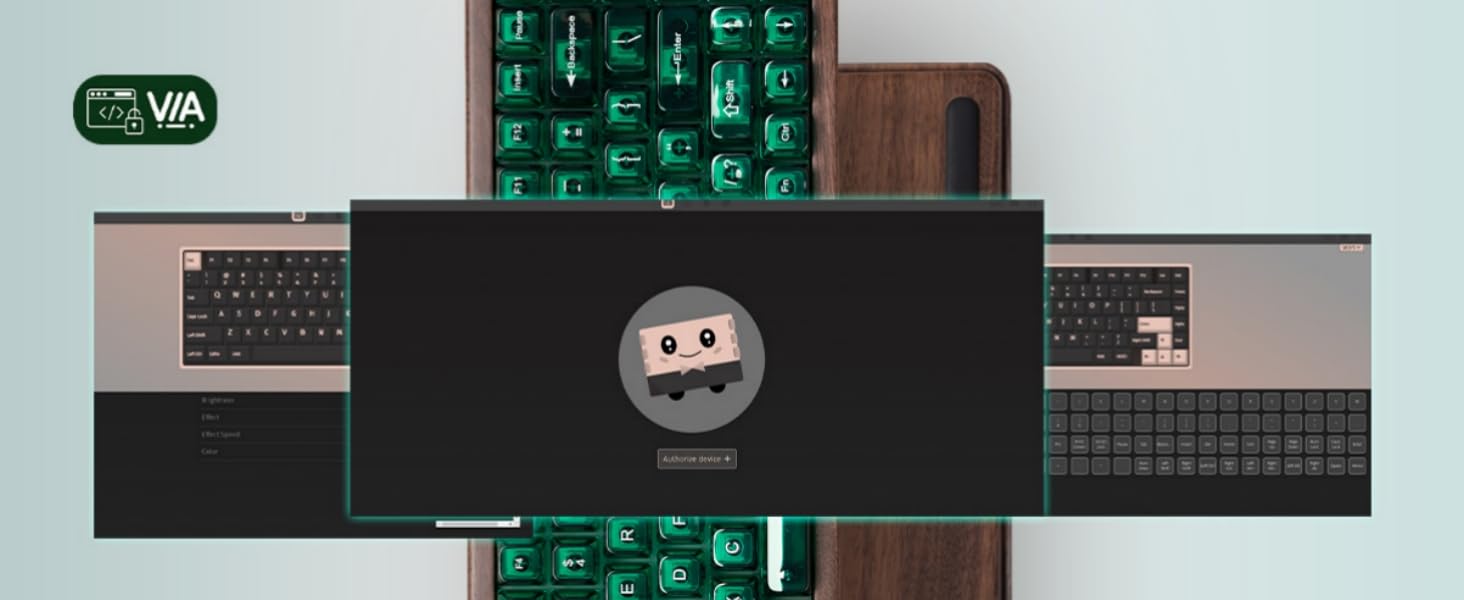
How to install VIA configurator?
Step 1 Click to [download Womier VIA software] Connect the keyboard to your PC in wired mode and open the VIA configurator: https://usevia.app/ Switch on the “Show Design tab” on...
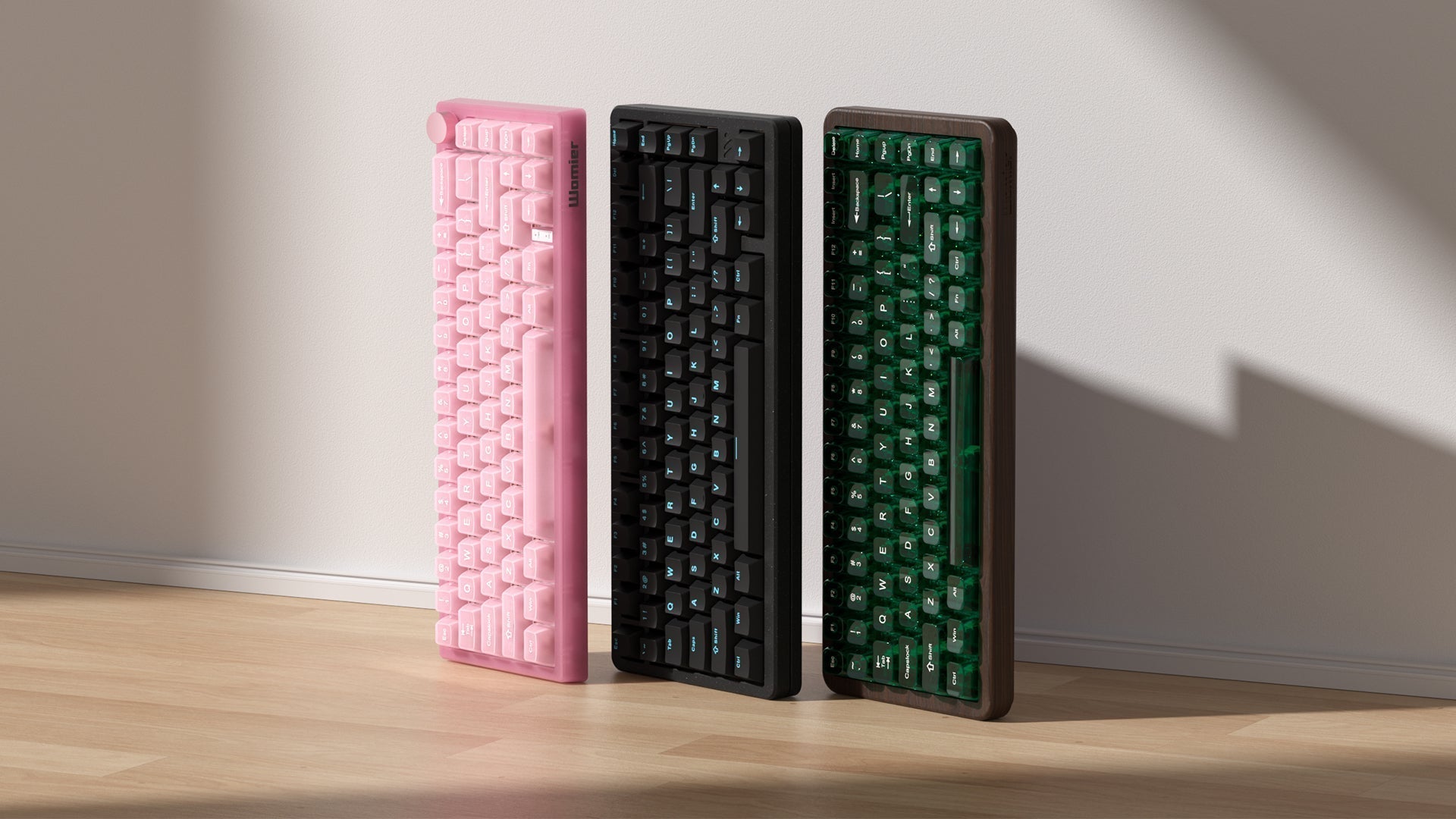
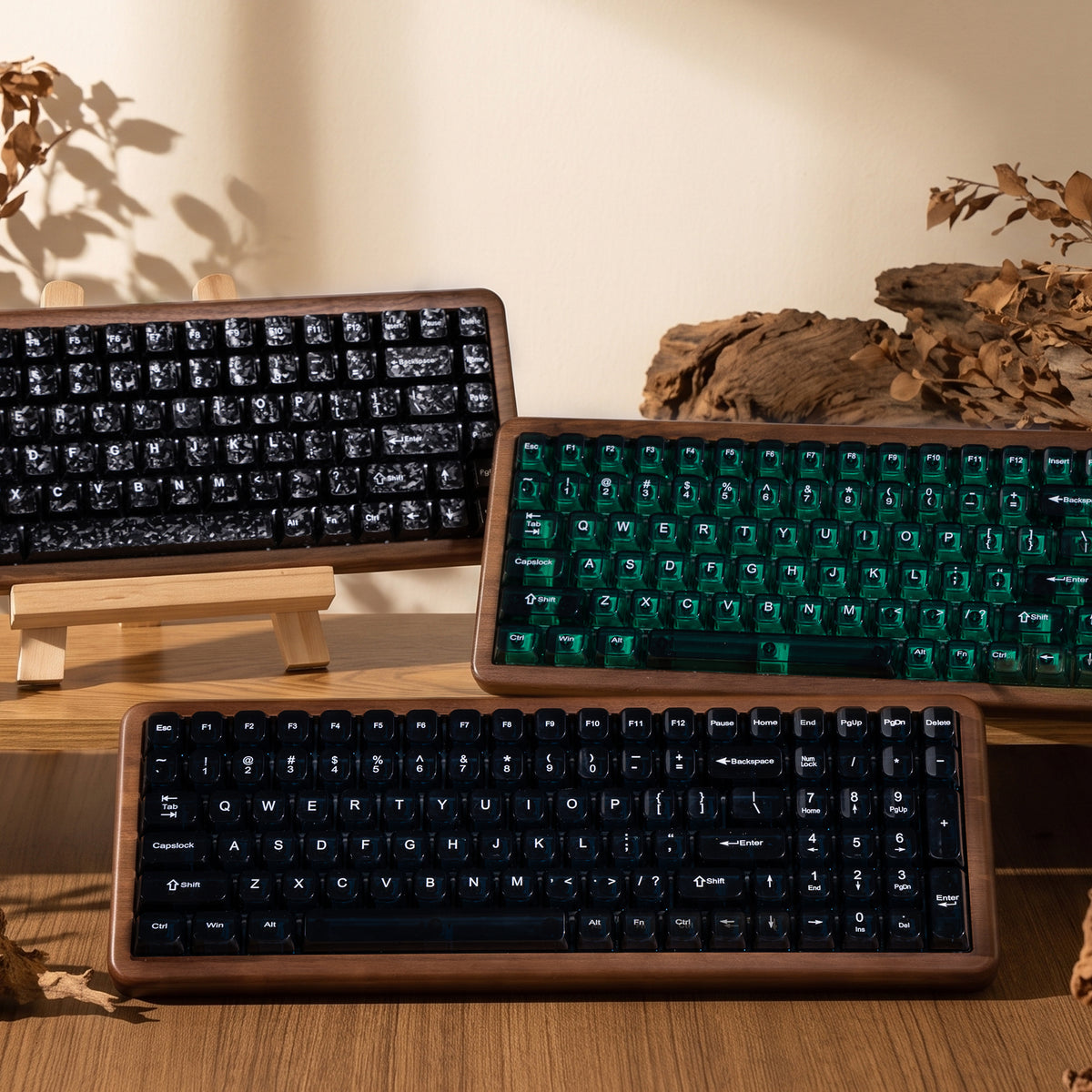
Keyboard Case Materials: Plastic, Aluminum and Wood - Which feels best?
Explain how different mechanical keyboard case materials — from plastic and aluminum to acrylic and wood — affect typing feel, acoustics, and durability. Choose the right one for your setup.
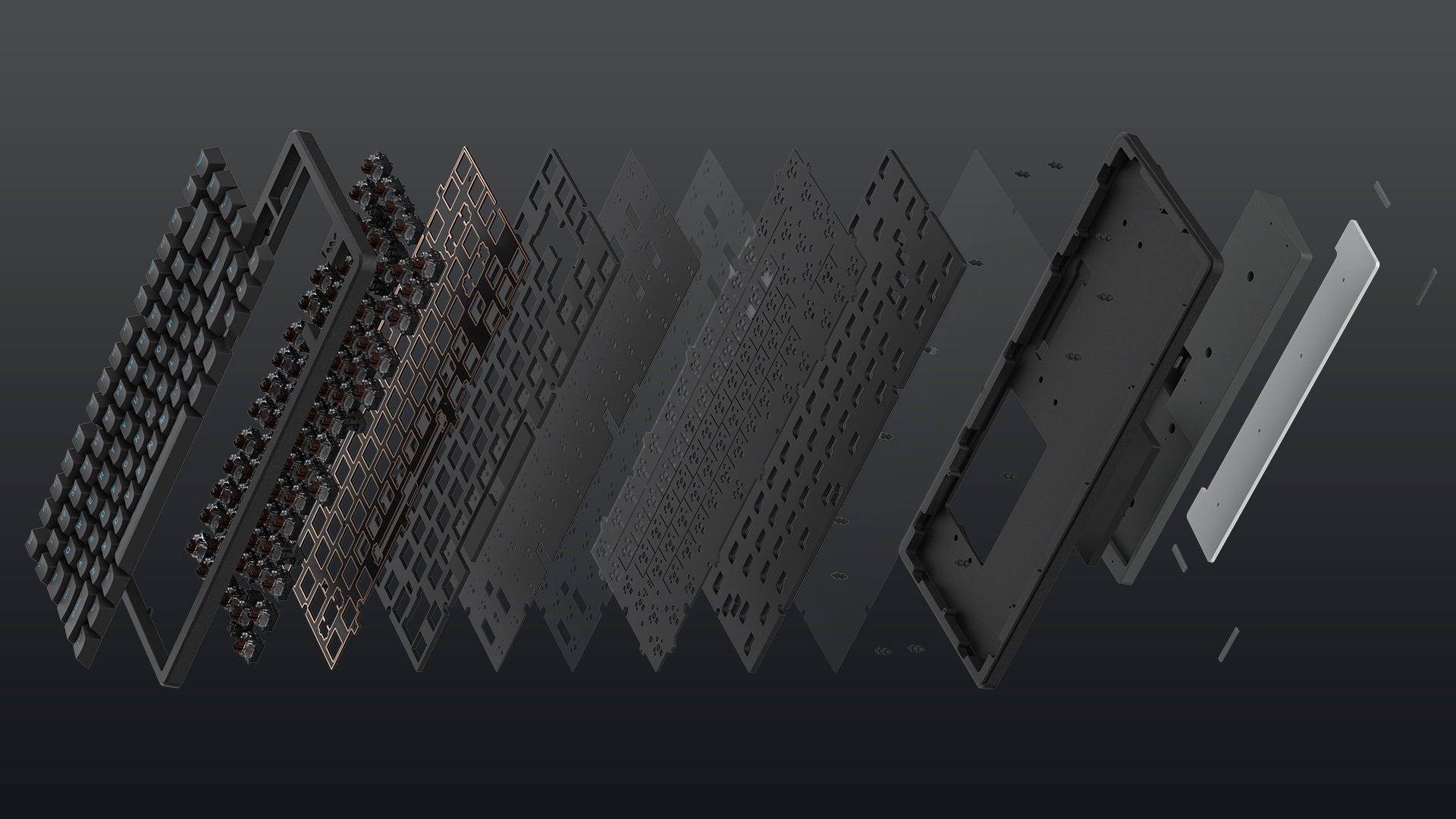
Mechanical Keyboard Mounting Styles: Gasket Mount vs. Top Mount Explained
When choosing a mechanical keyboard, most of us focus on switches and keycaps, since they directly shape the typing feel and sound. But there’s another factor that matters just as...
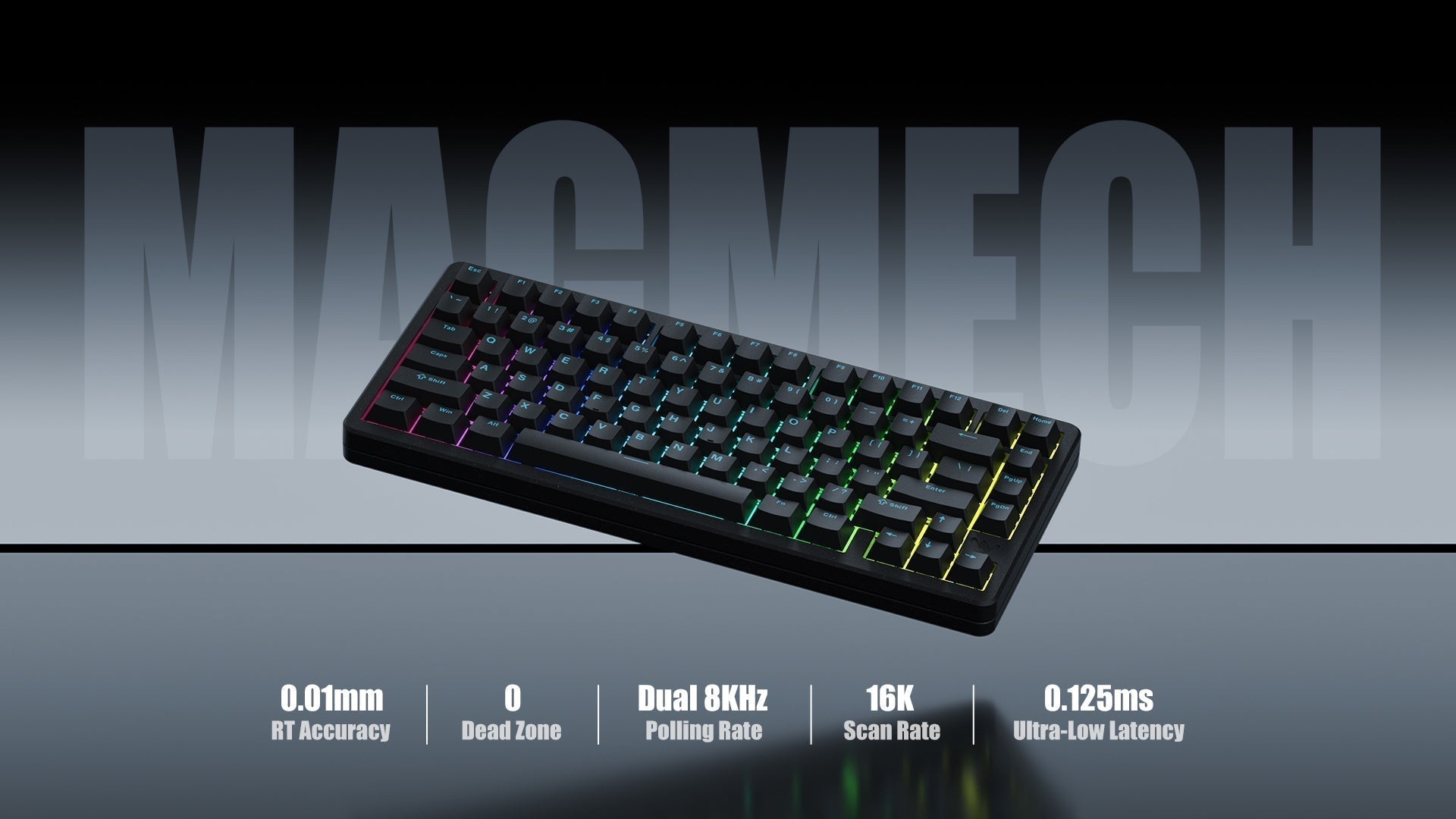
Magnetic Switch Keyboards - HE vs. TMR
Hall Effect switches have been around for a while, powering countless gaming keyboards. But now, TMR sensors are stepping into the spotlight, bringing even faster response, higher precision, and a whole new level of control. Curious about what really sets them apart? Let’s dive in.
