










Step 1
- Click to [download Womier VIA software]
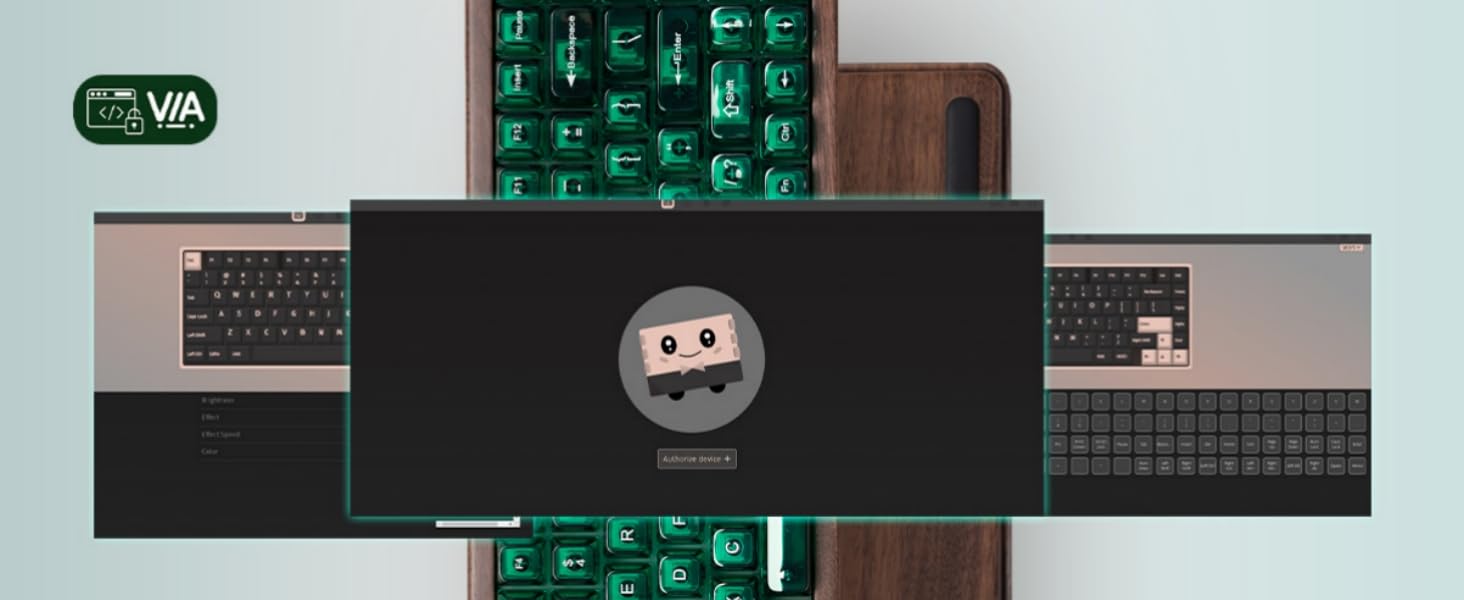
- Connect the keyboard to your PC in wired mode and open the VIA configurator: https://usevia.app/
- Switch on the “Show Design tab” on the Settings page.

Step 2
Click “Load” and choose the JSON file you downloaded from the first step.

Step 3
Find Configure Page - Authorize Device and add the keyboard as your device.

Finished! Enjoy customizing your keyboard.
