








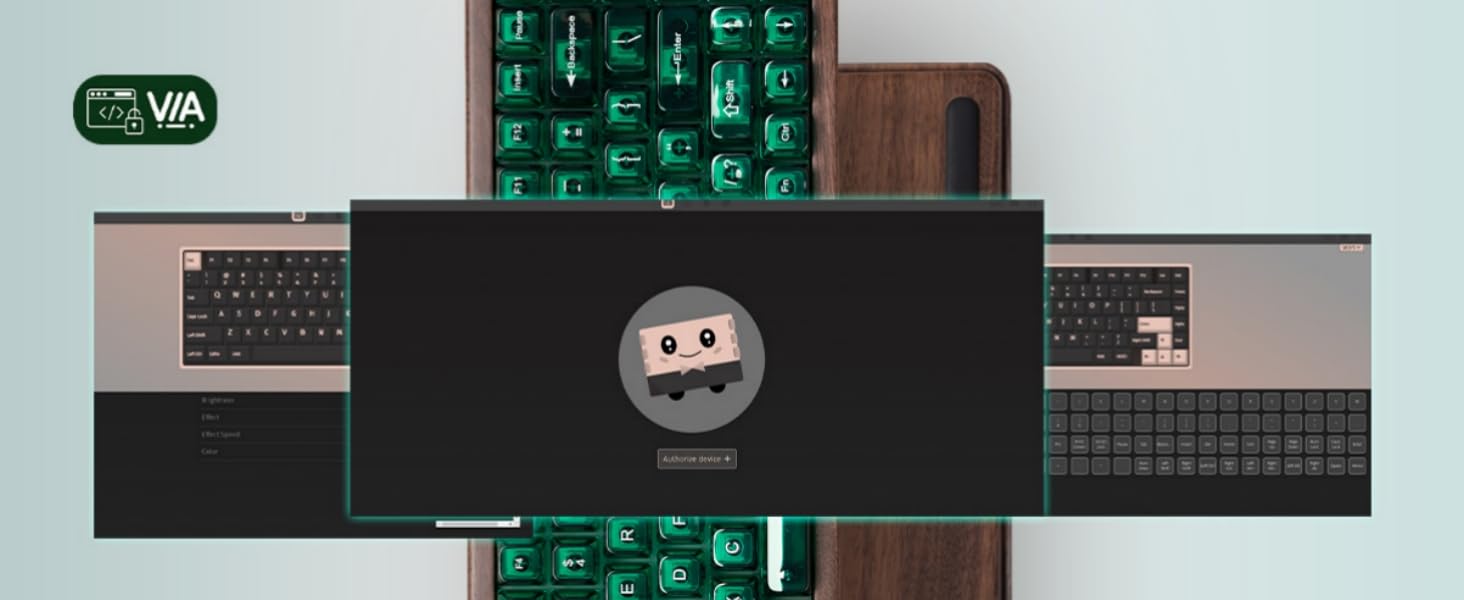
Step 1
- Click to [download Womier VIA software]
- Connect the keyboard to your PC in wired mode and open the VIA configurator: https://usevia.app/
- Switch on the “Show Design tab” on the Settings page.

Step 2
Click “Load” and choose the JSON file you downloaded from the first step.

Step 3
Find Configure Page - Authorize Device and add the keyboard as your device.

Finished! Enjoy customizing your keyboard.

Comments
owen said:
i need the sobware so i can u
Rahul dubey said:
I need default keyboard profile how to reset
Michael said:
A little confusing to bring up some many browser pages when looking thru the booklet to figure how to get the software loaded. Still trying to figure out how to get the Smart Deck that’s sitting separate from the keyboard to do anything but show pictures. I’d like to have the desktop page where I can load and create new key images that work and so on. But where?