








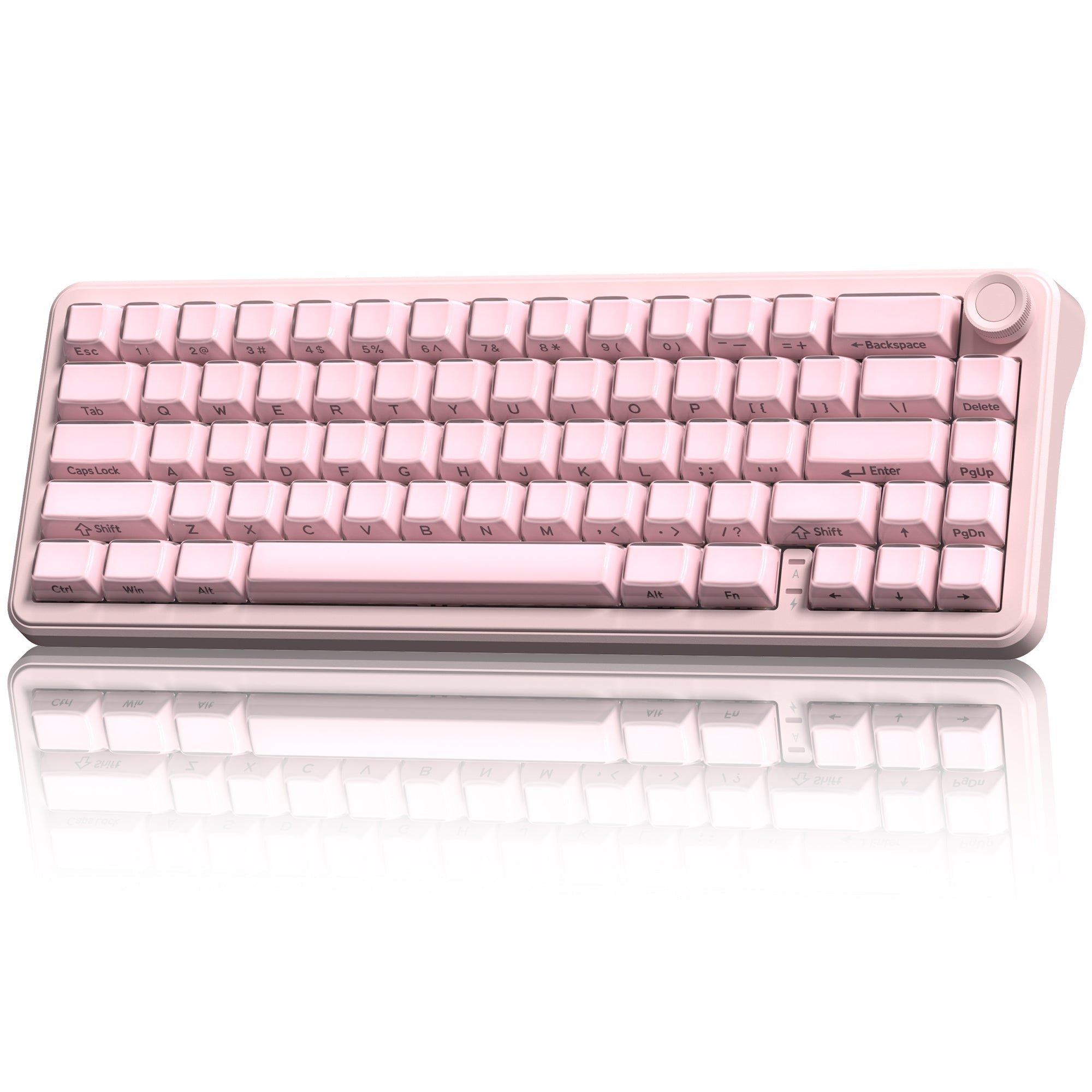
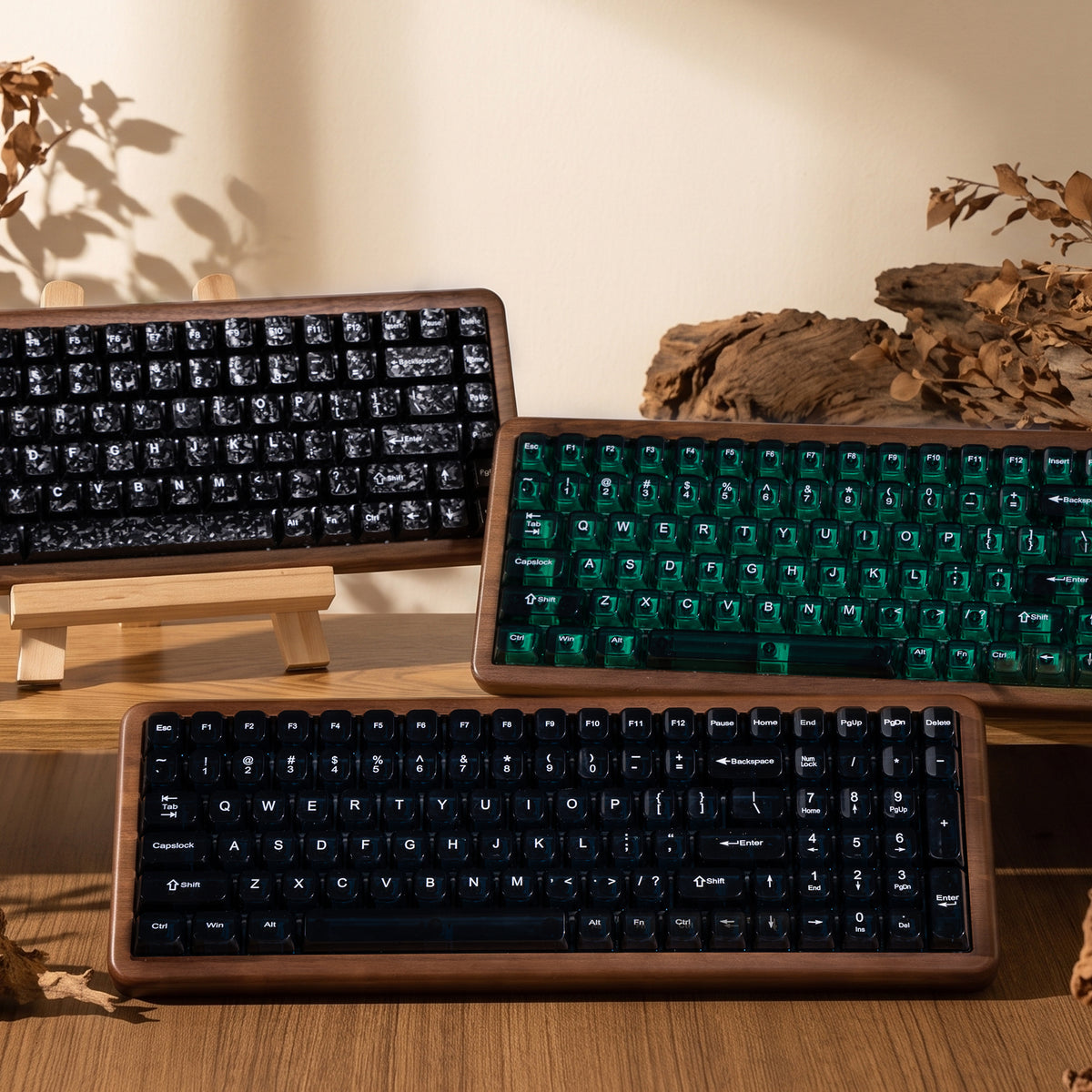

Halloween Preview: Prepare Your Gothic Desk Setup Before The Spooky Season Drops
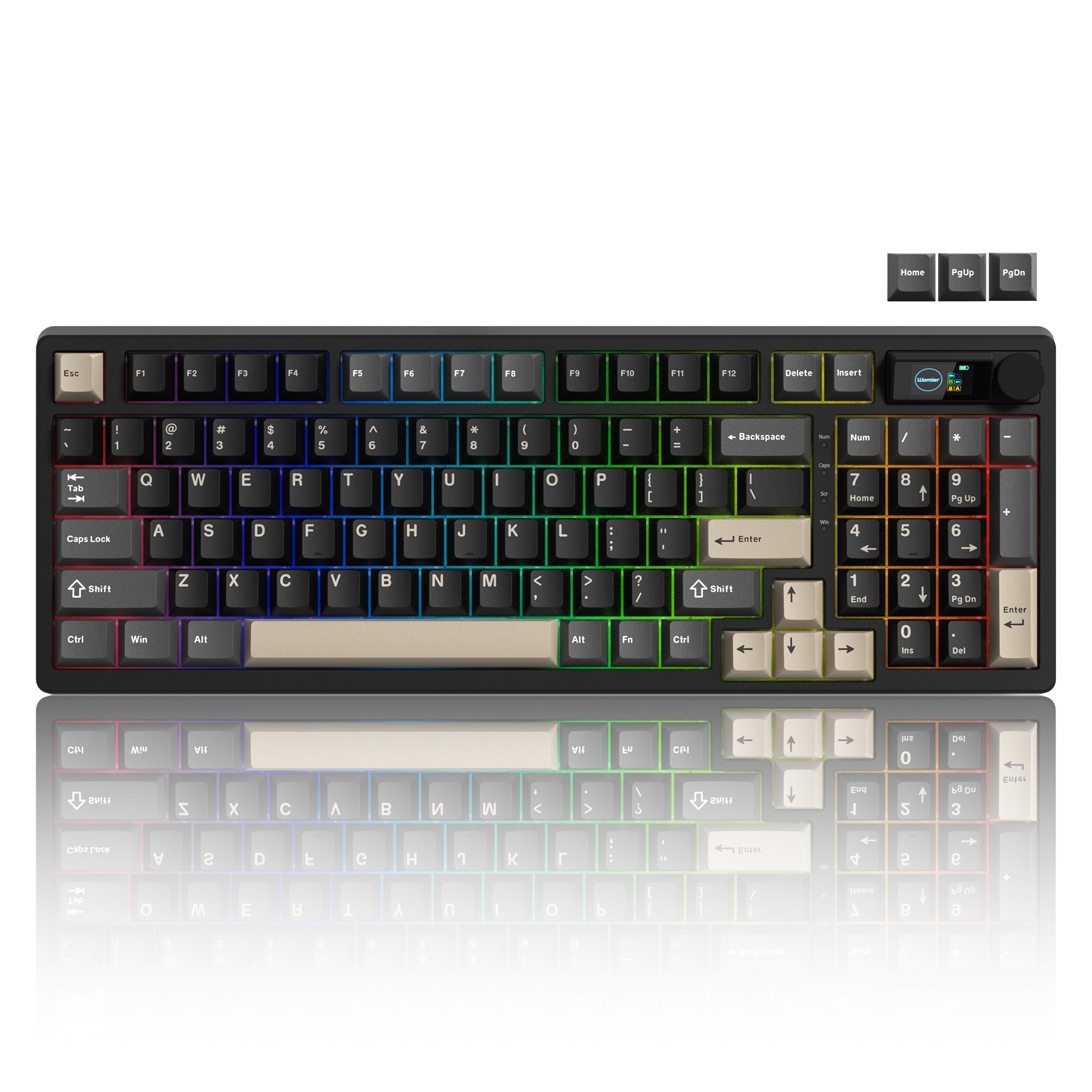
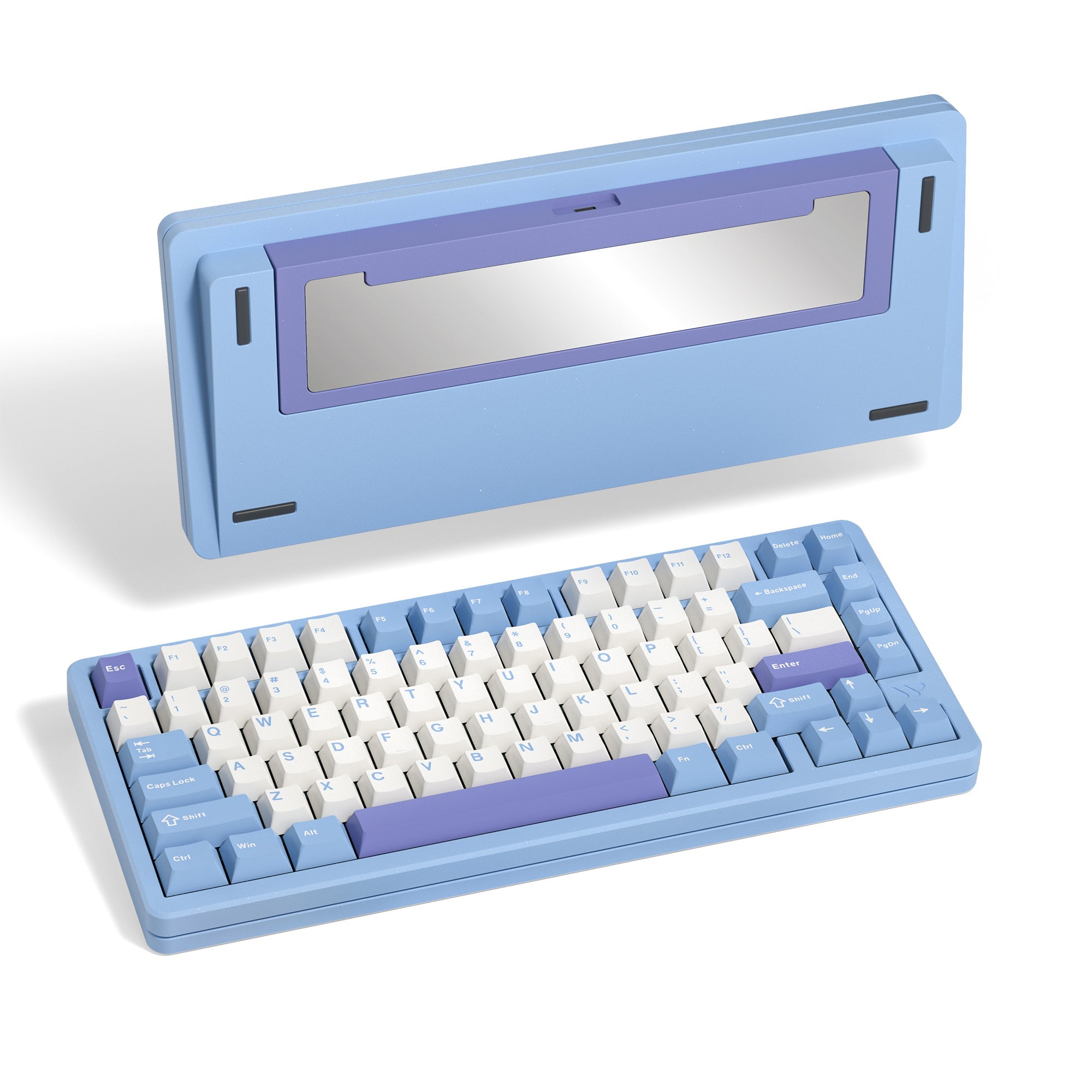
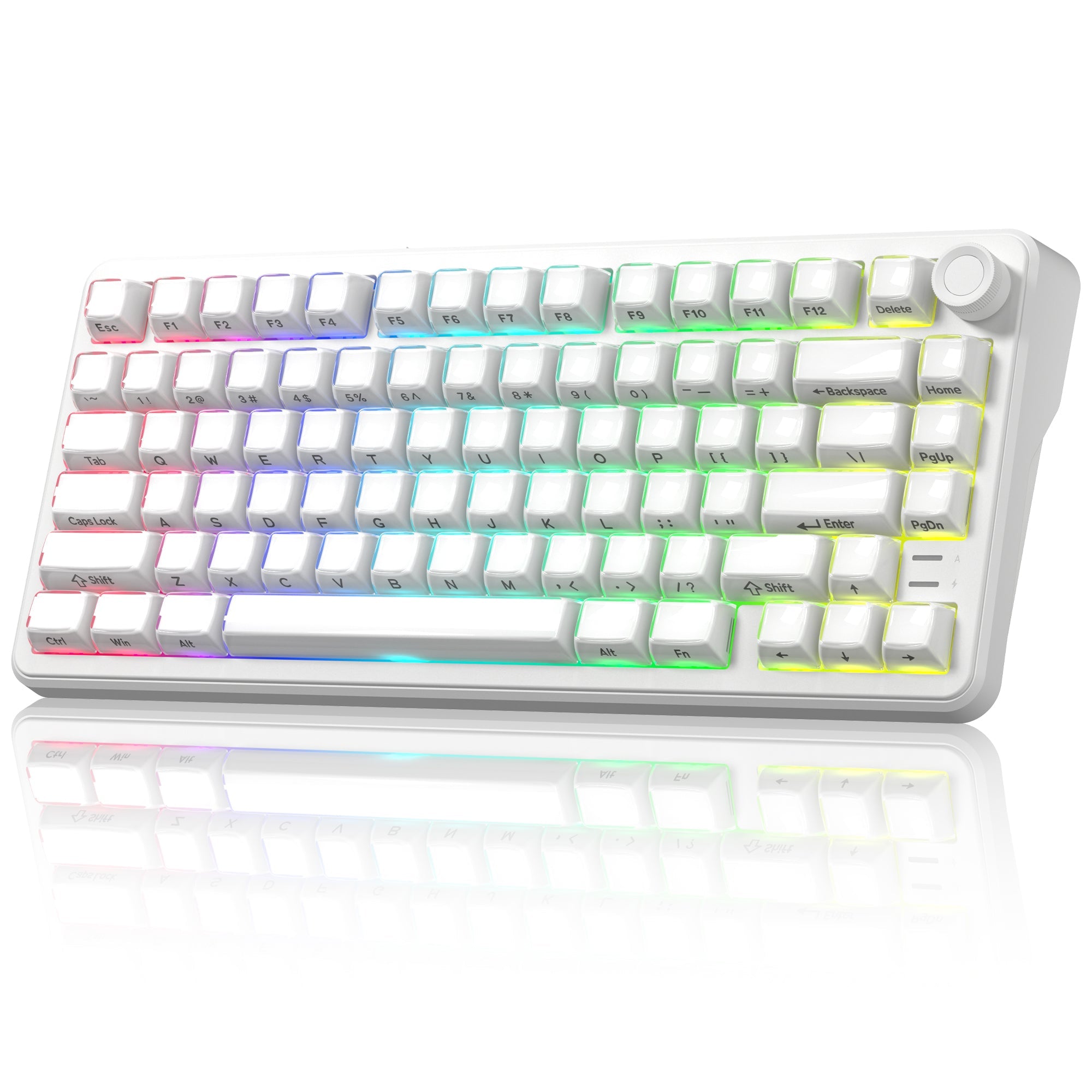
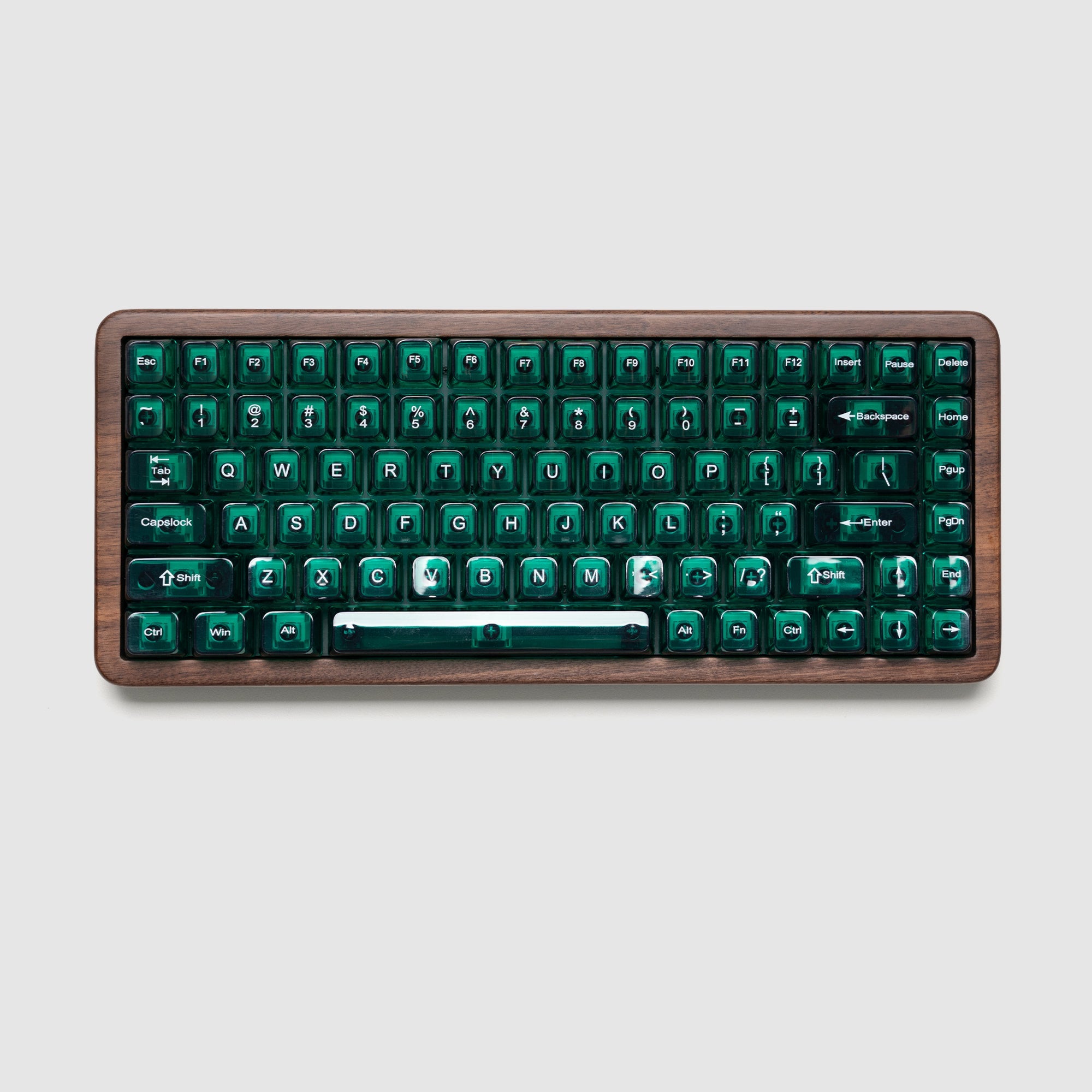
Autumn nights are growing darker, and Halloween is creeping closer. The spooky season is almost upon us, and now is the perfect moment to start planning your gothic-themed desk aesthetic....
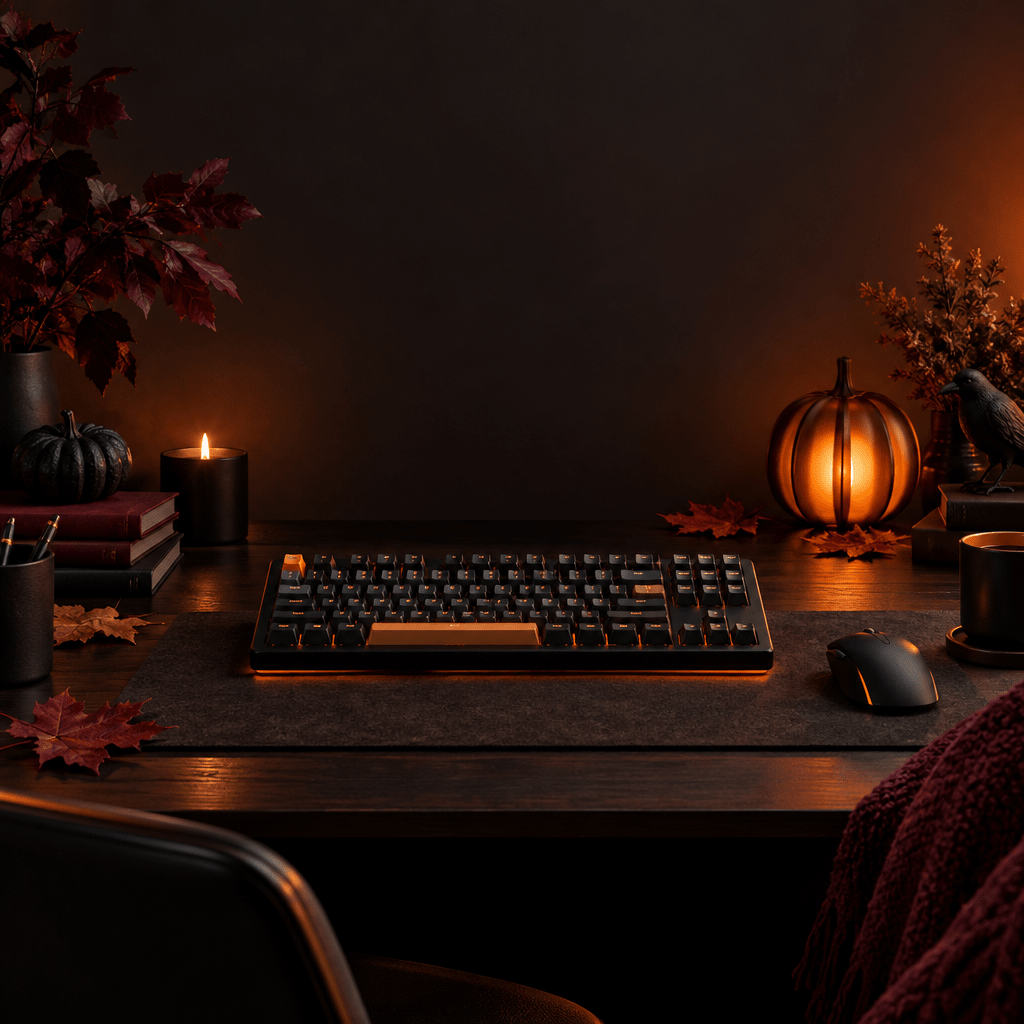
Halloween Desk Aesthetic: Build Your Gothic-Themed Setup for the Spooky Season
Autumn is here, and Halloween is just around the corner. You don’t need piles of cheesy decorations to craft a haunting, atmospheric desk. With carefully selected mechanical keyboard peripherals, you...
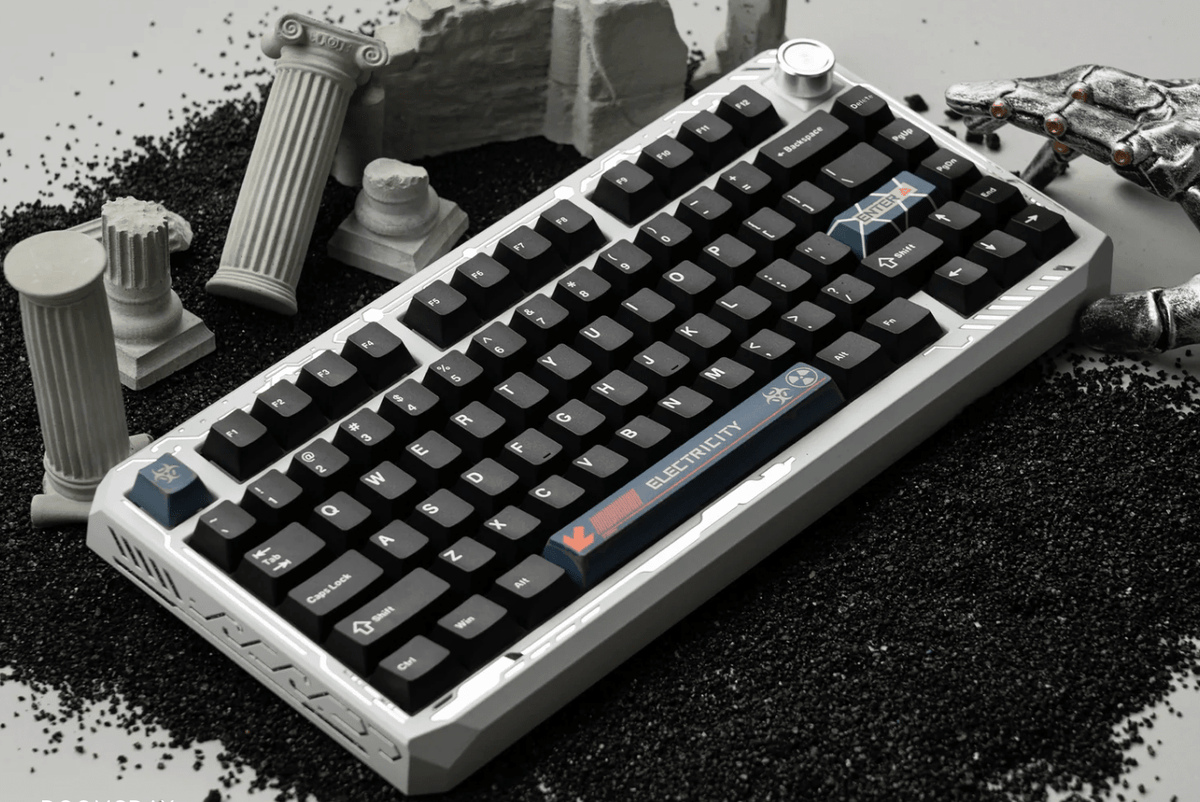
Make Your Keyboard Truly Yours with the Womier ERA75
Introduction Most keyboards ask you to choose one design and keep it forever. The Womier ERA75 takes a different approach. With a full aluminum case, interchangeable DIY stickers, multiple color...
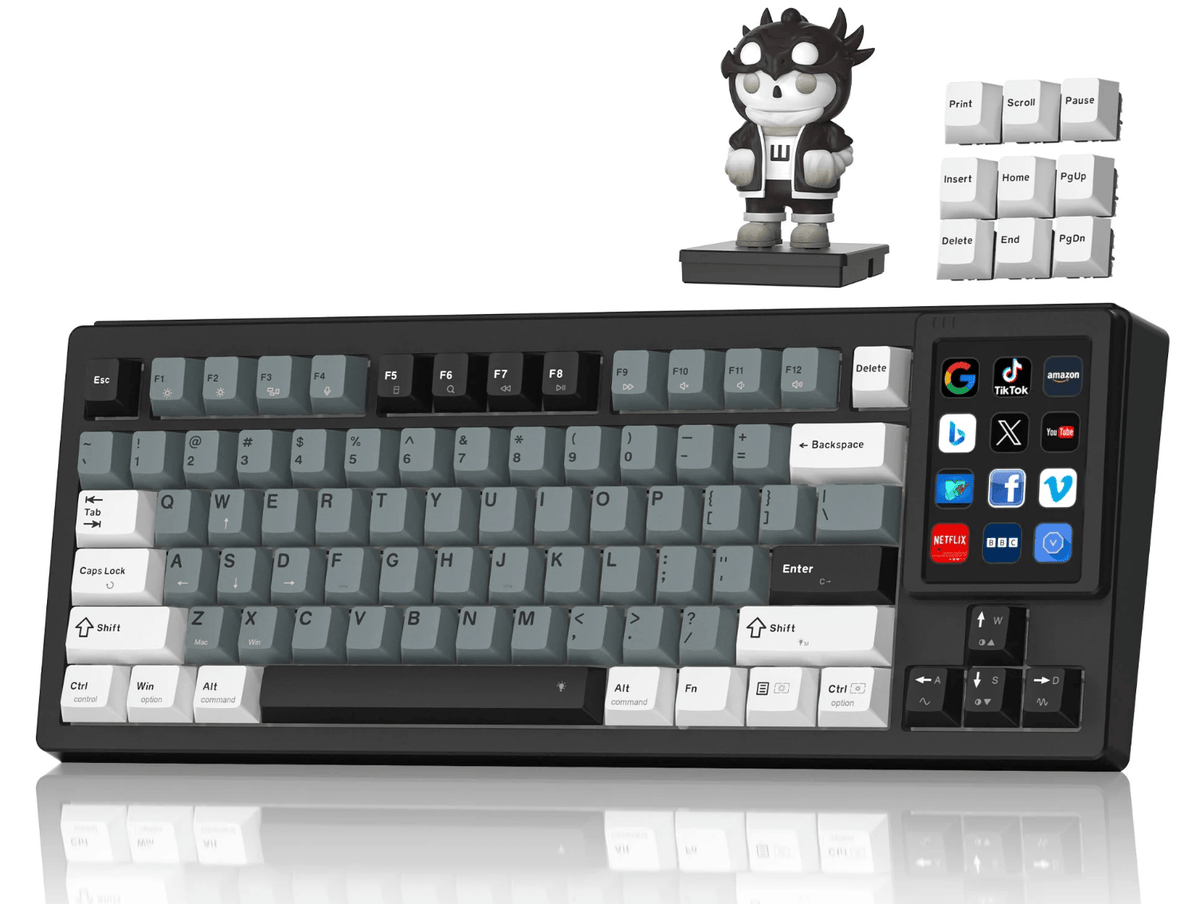
Do You Still Need a Separate Stream Deck? Meet the Womier DUO87
Introduction Content creators often use one device for typing and another for launching apps, controlling media, or managing shortcuts. This adds cost and takes up more desk space. The Womier...
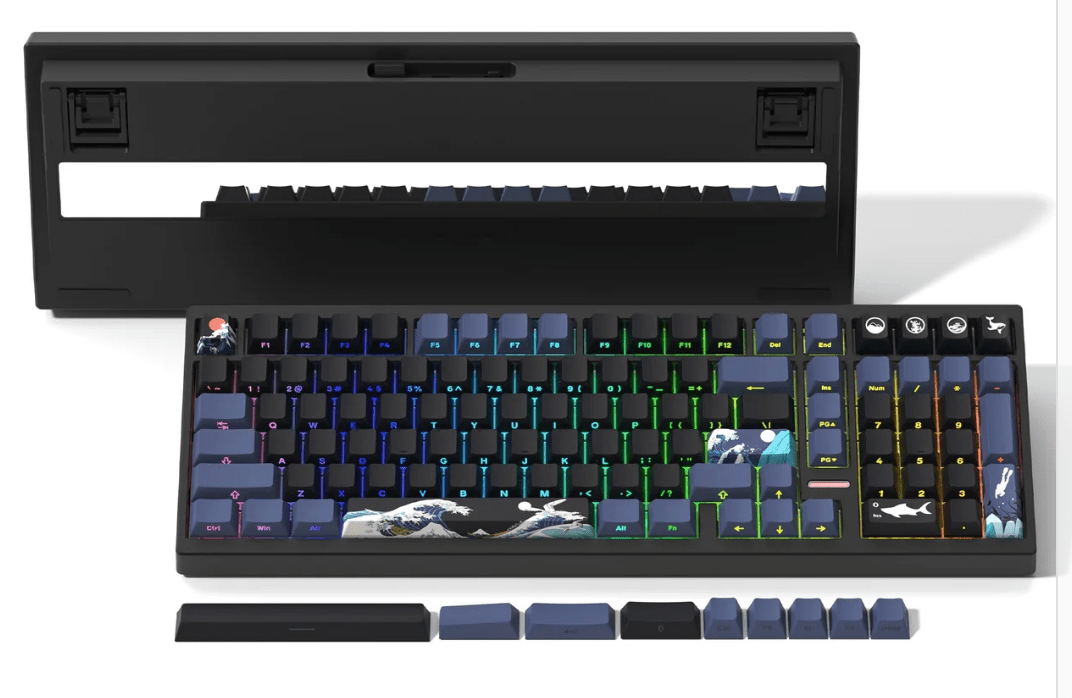
Womier M99: A Wireless Mechanical Keyboard Designed for Work
Introduction A good office keyboard should support efficient typing, convenient shortcuts, and comfortable daily use. The Womier M99 combines a practical 98% layout with wireless connectivity, VIA customization, and a...
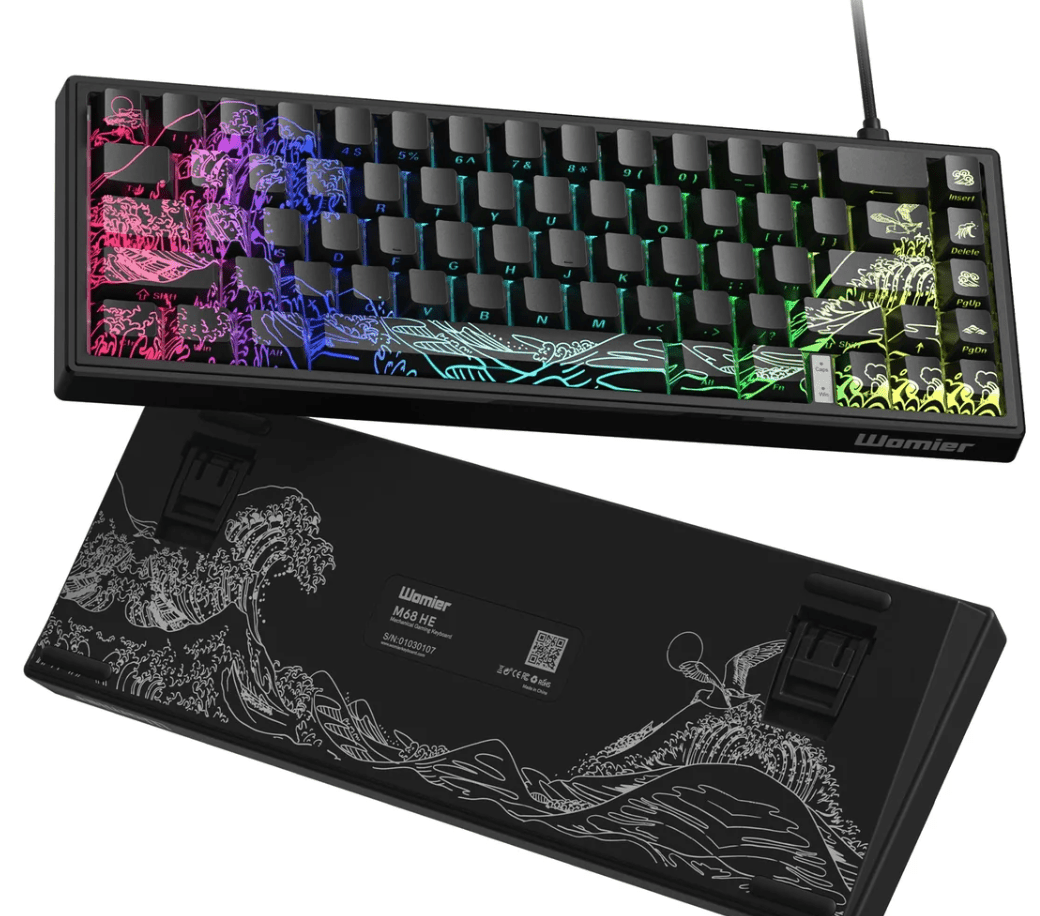
Escape from Tarkov Keyboard Guide: Faster Control with the Womier M68 HE V2
Introduction Escape from Tarkov combines tactical shooting, looting, and survival. A successful raid often depends on precise movement, fast reactions, and reliable keyboard input. With a compact layout and customizable...

Join the Womier WD99 & WD75 HE Launch Giveaway
Introduction To celebrate the launch of the Womier WD99 and WD75 HE, we are hosting a special wooden keyboard giveaway. Two winners will have the chance to receive one of...
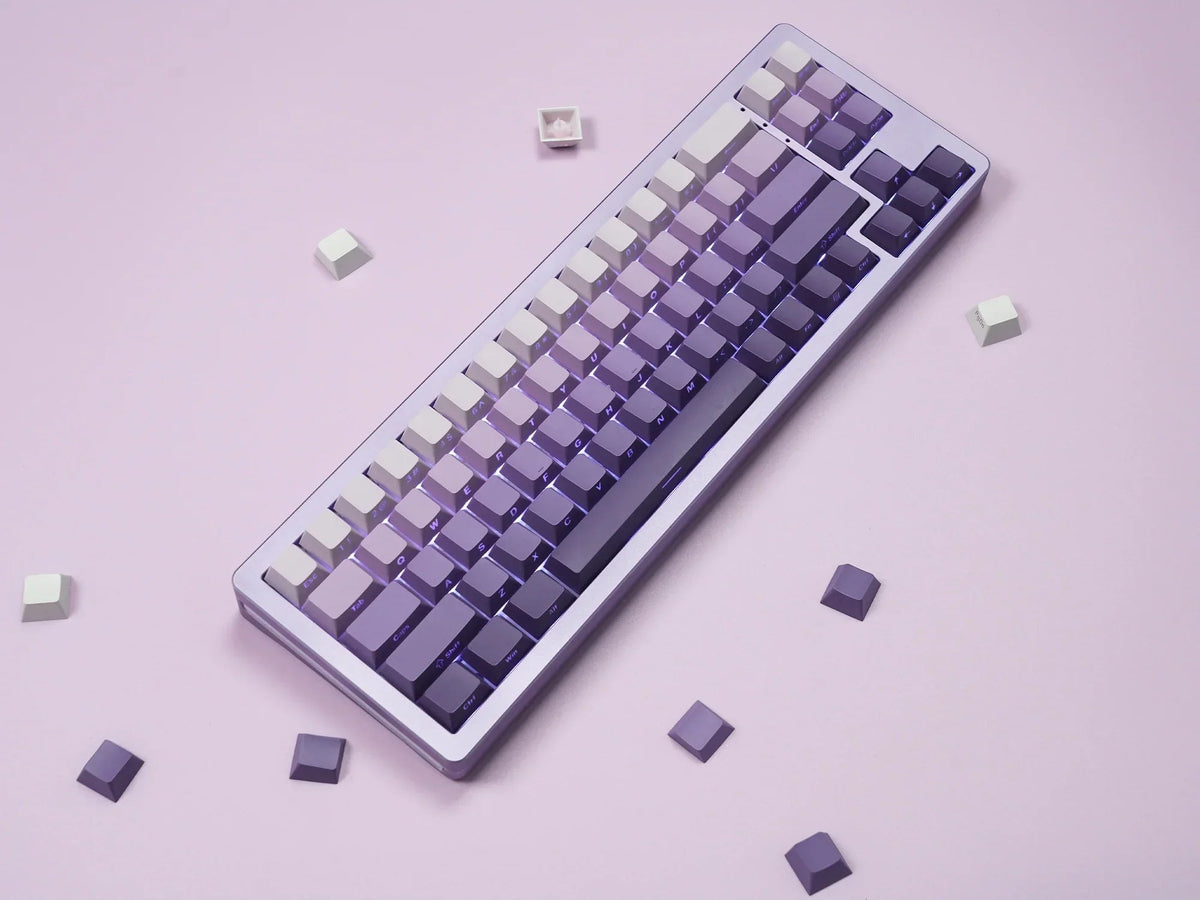
PBT vs ABS Keycaps: Why Material Is About More Than Yellowing
Introduction When choosing keycaps, many people assume that PBT is always better because it resists shine and yellowing. In reality, keycap material also affects RGB lighting, sound, texture, durability, and...
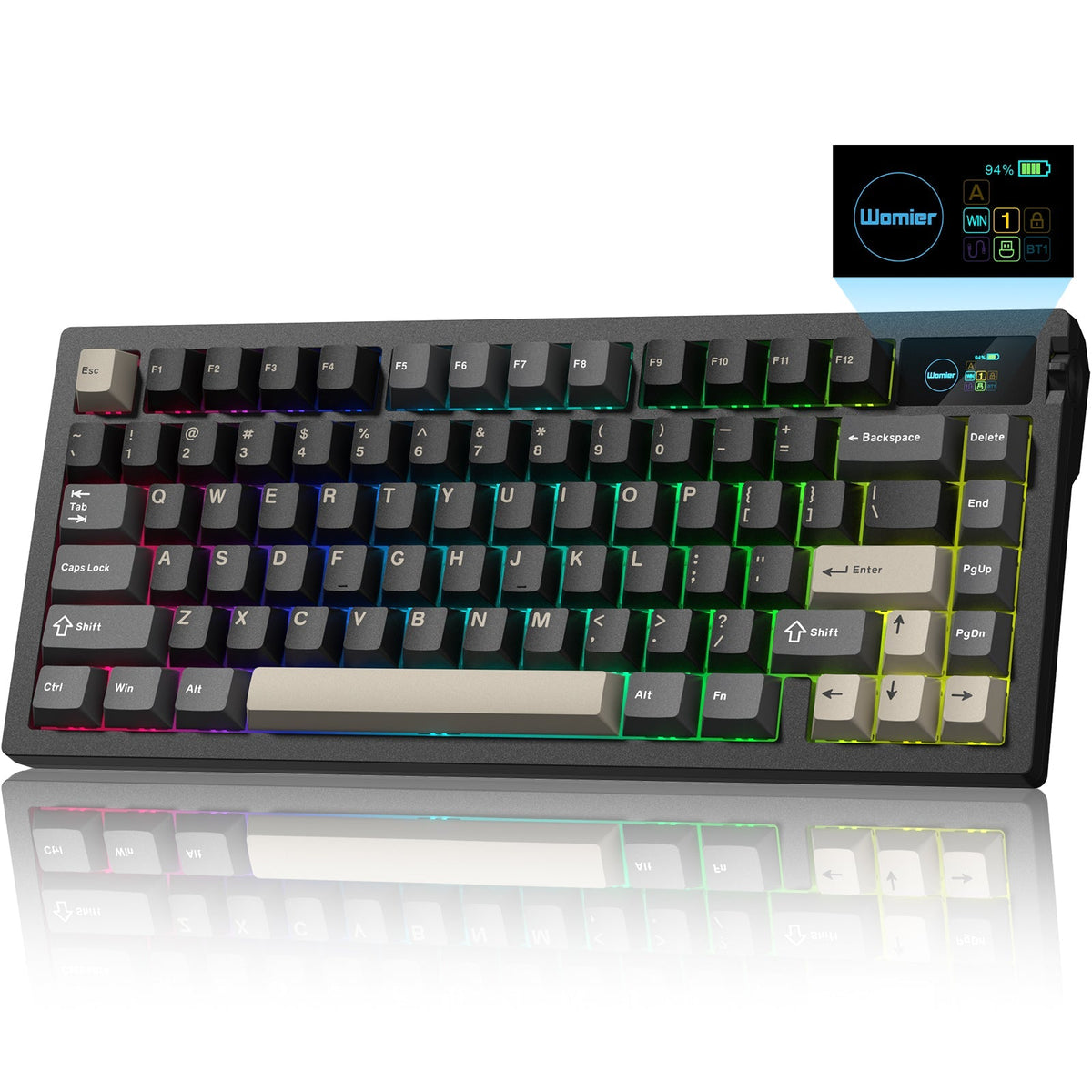
Meet the Womier L80 Wireless Mechanical Keyboard
Introduction The Womier L80 is a compact 75% mechanical keyboard designed for gaming, work, and everyday use. It combines an 80-key layout with a TFT color screen, multifunctional knob, tri-mode...
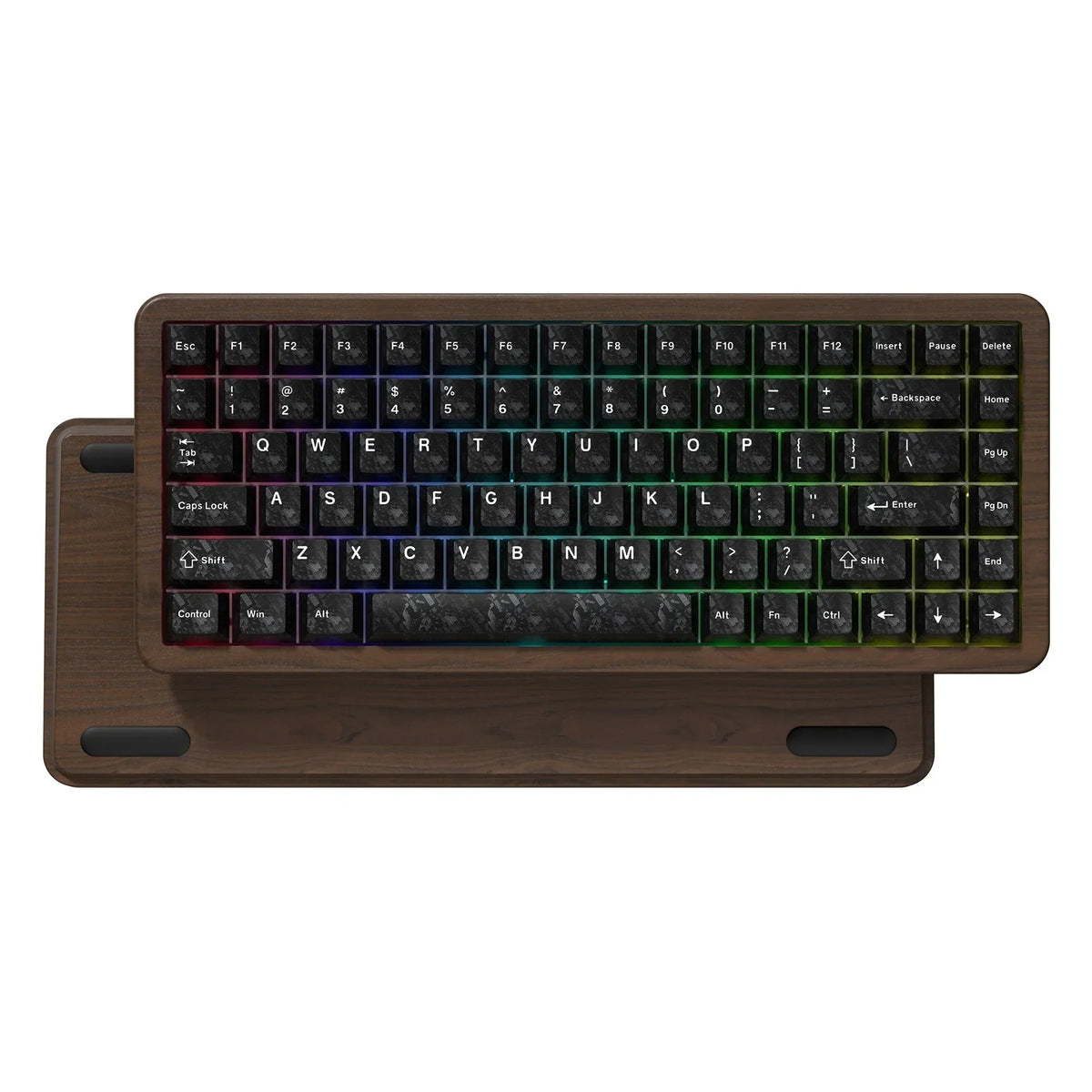
Best Wireless Keyboard for Fortnite in 2026
Introduction Fortnite requires players to manage movement, building, editing and weapon switching quickly. A good keyboard should provide responsive controls while leaving enough desk space for comfortable mouse movement. The...
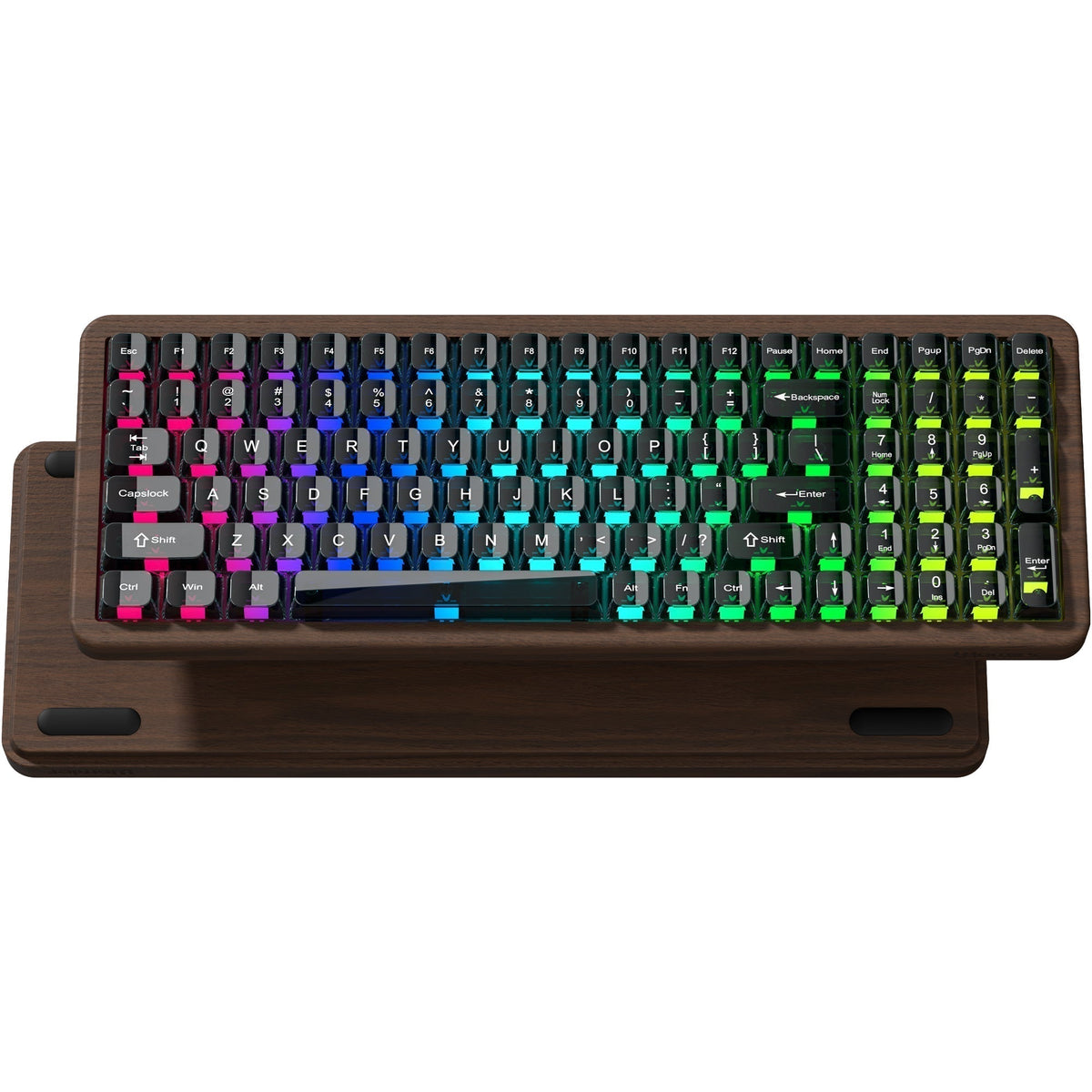
Best Full-Size Wooden Keyboard for Work and Gaming in 2026
Introduction Compact keyboards are popular, but many users still need a number pad, function keys and a complete set of controls. The Womier WD99 combines a full-size layout with wireless...
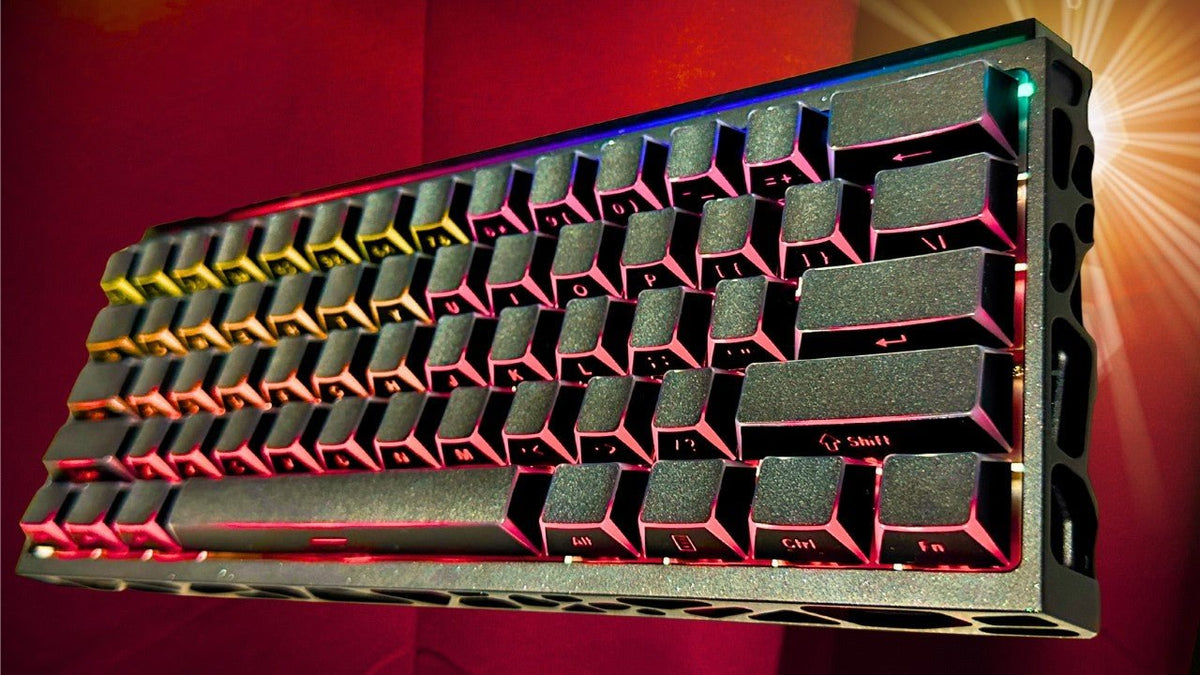
Best Keyboard for League of Legends in 2026
Introduction League of Legends requires more than quick reactions. Players need accurate control of abilities, Summoner Spells, items, pings, and camera shortcuts throughout every match. A suitable LoL keyboard should...
