



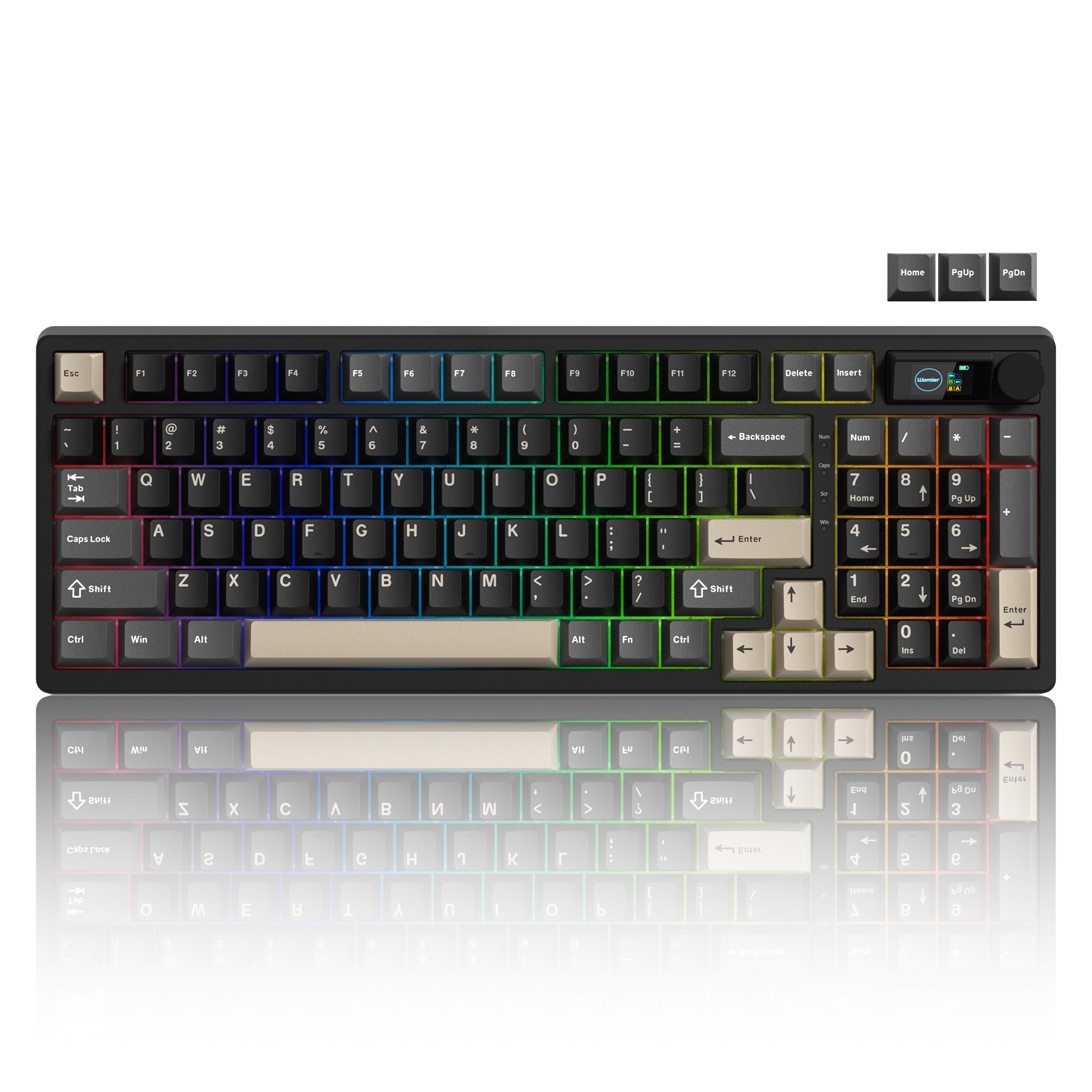


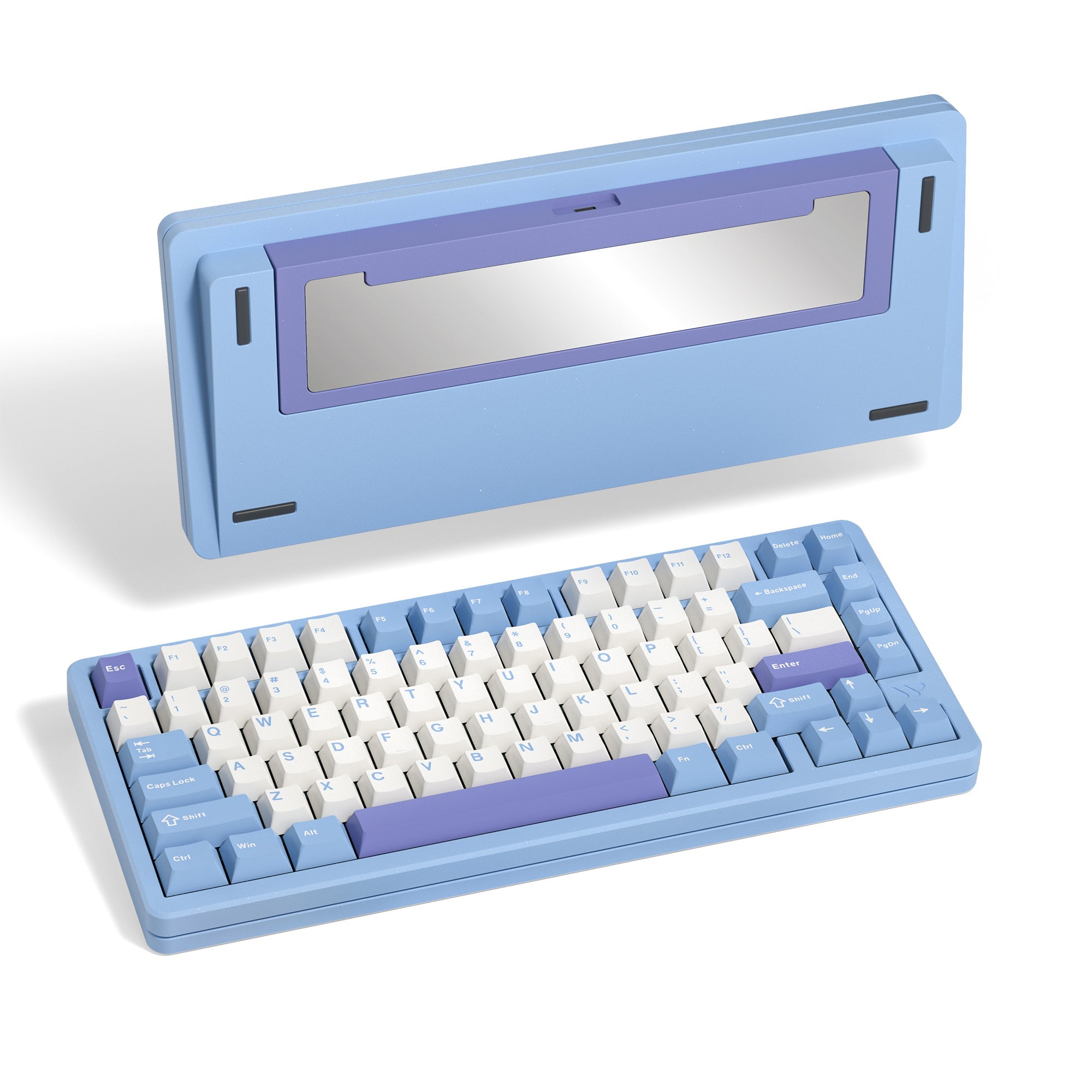

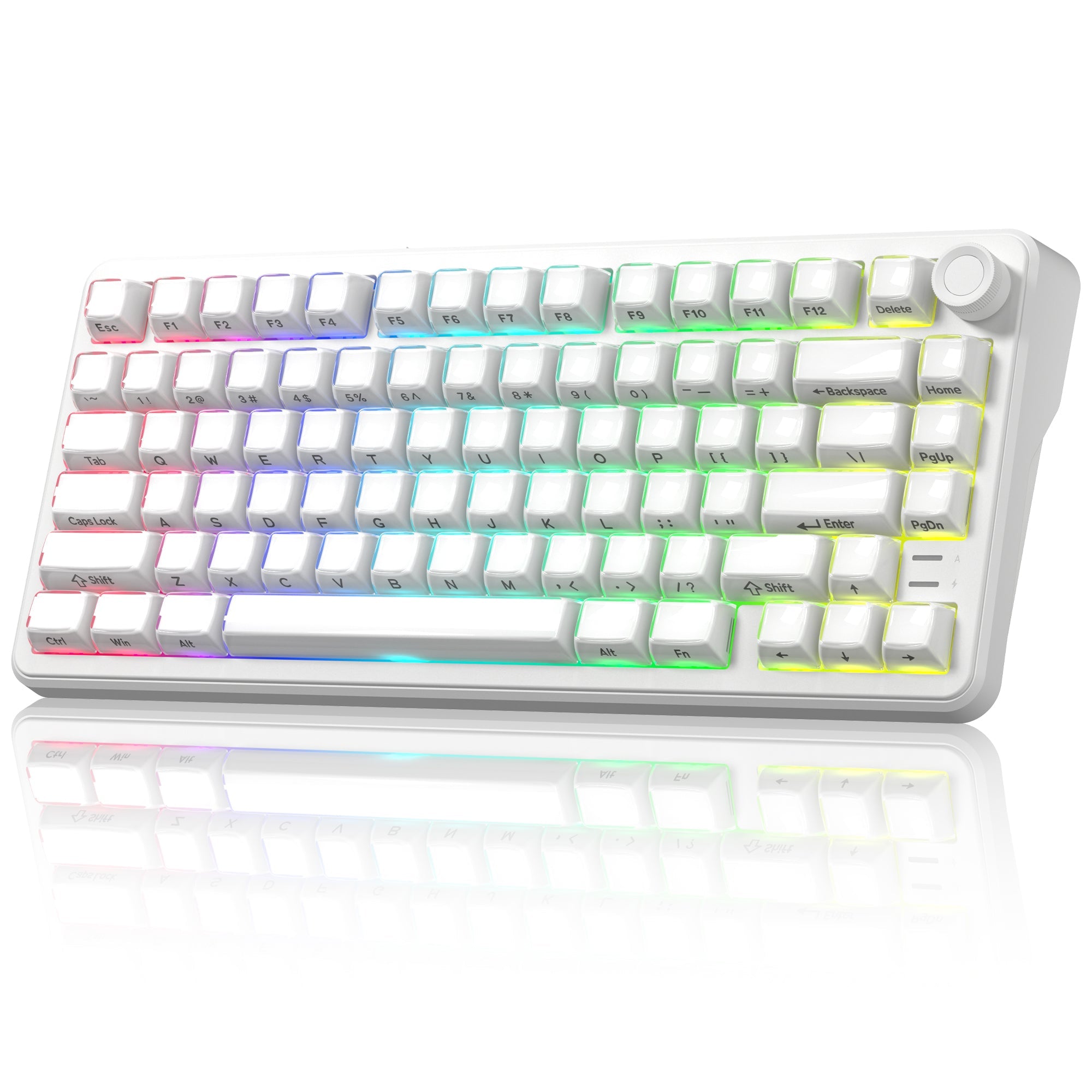


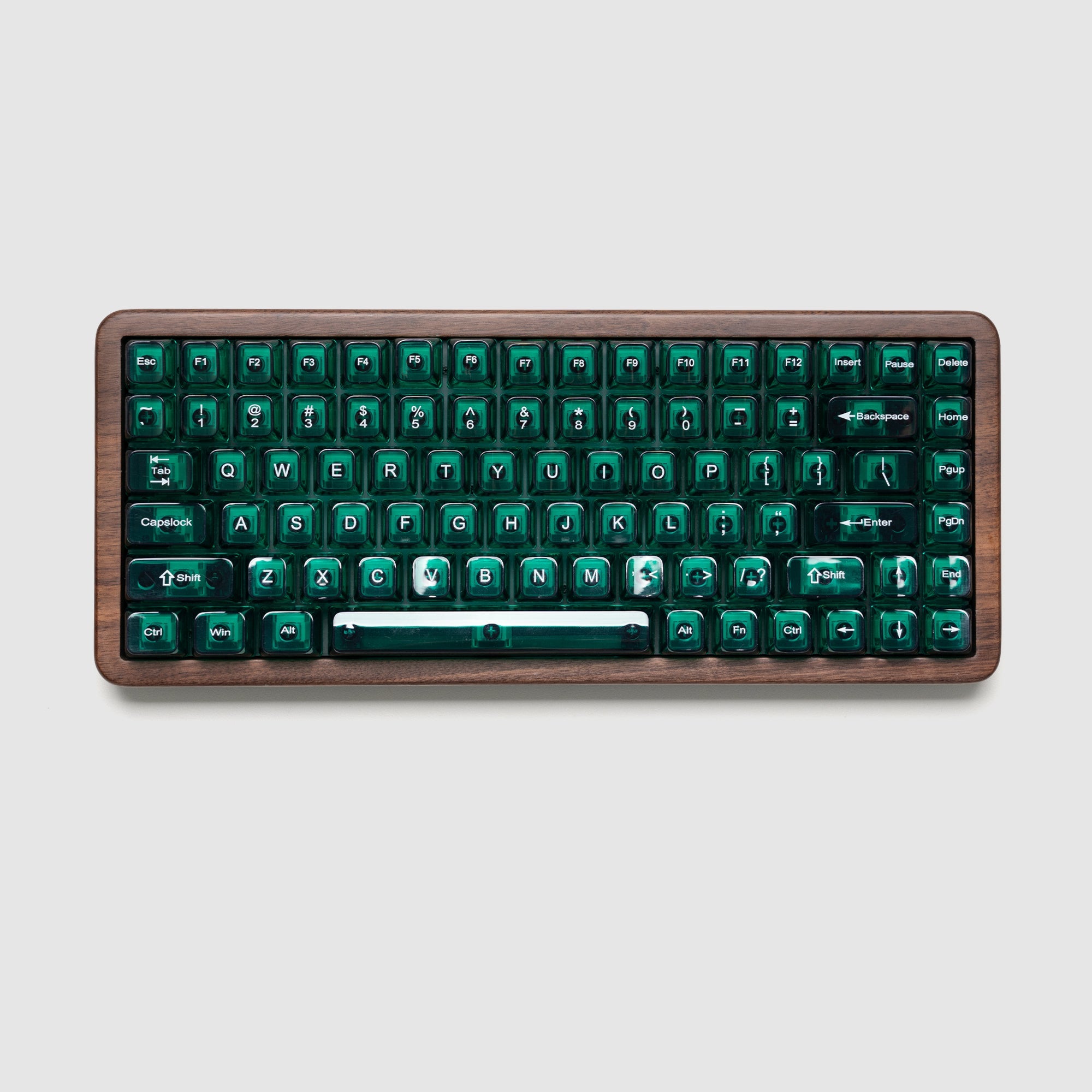
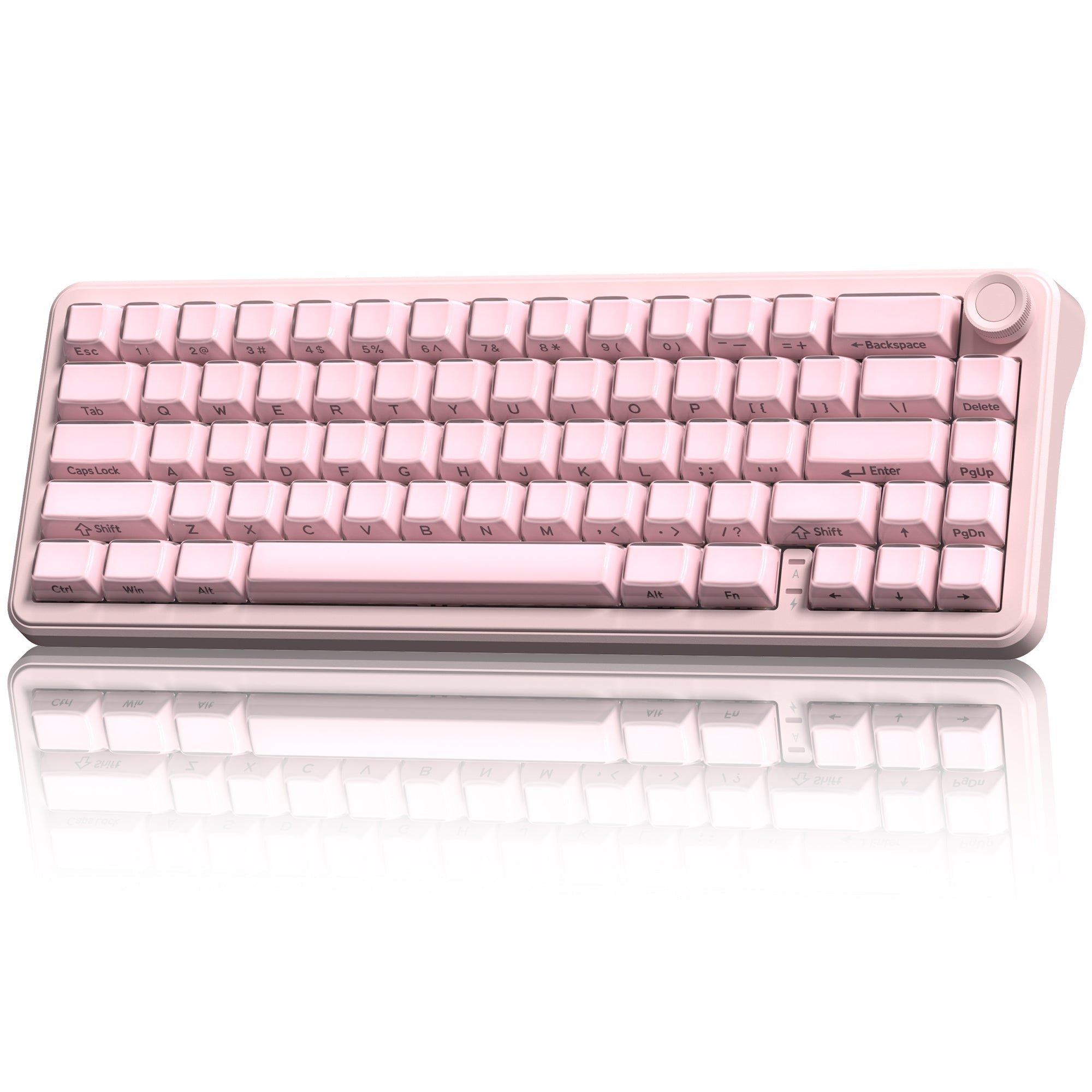
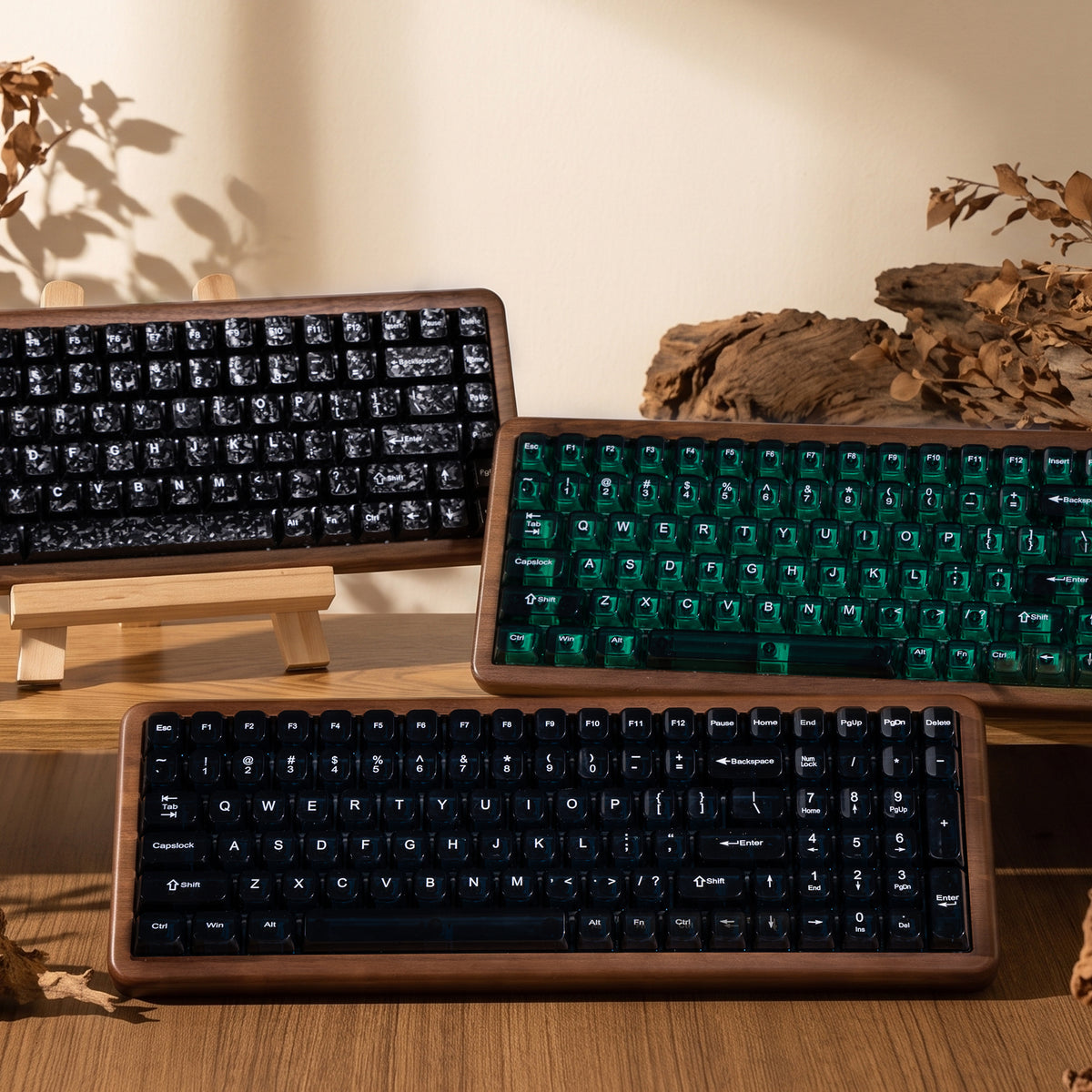
Have you ever experienced this: during the most intense moments of a game, you press a key but feel a noticeable delay in response? Or do your hands feel fatigued after typing for extended periods? The secrets hide in the core component of the keyboard—the switch.
Today, we will introduce the differences between traditional mechanical switches and innovative magnetic switches. Which one should you choose? Let’s dive in!
Working Principle
Physical Contact vs. Magnetic Field Sensing
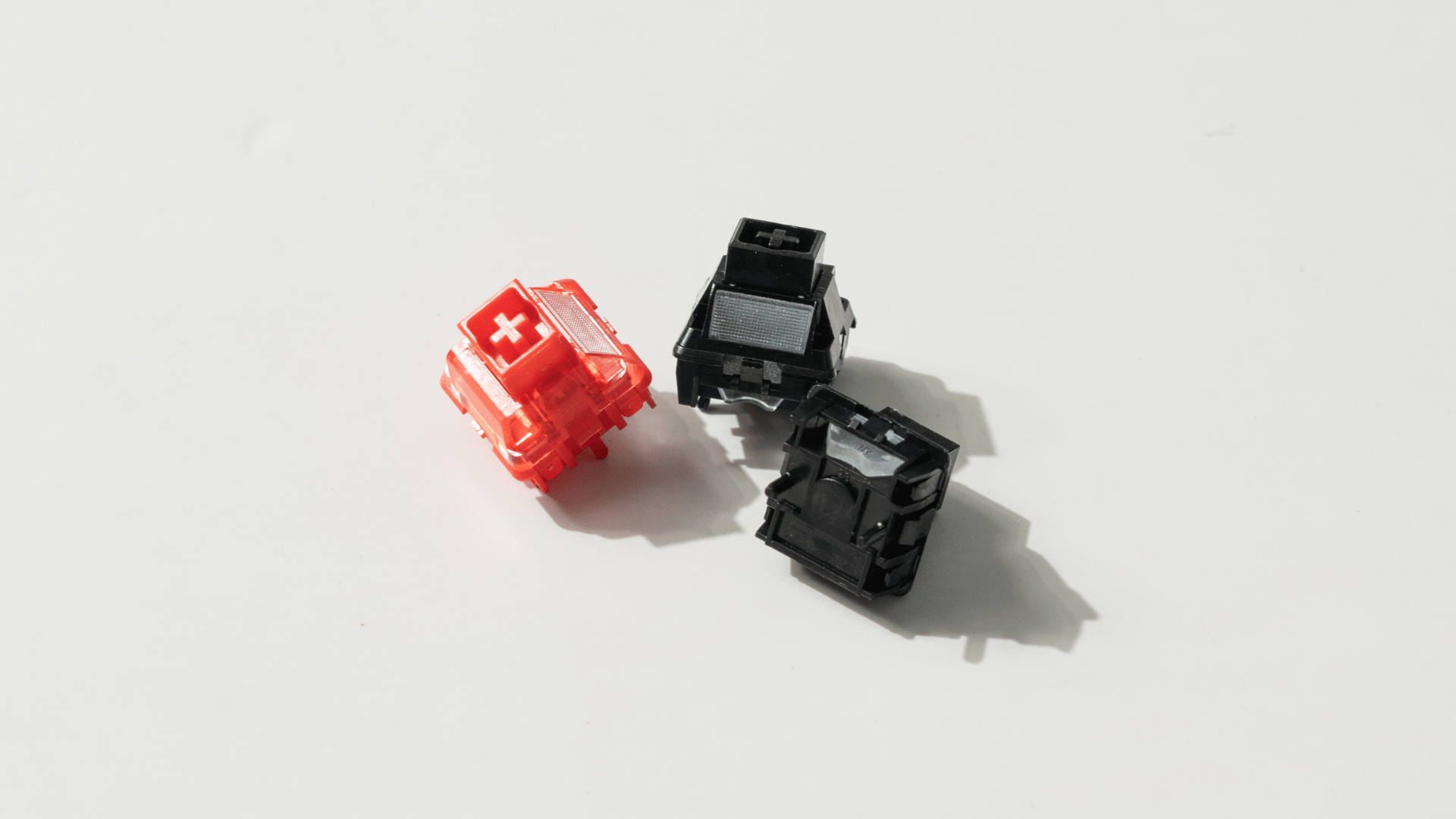
- Mechanical switches: Mechanical switches have physical contacts. When a key is pressed, a metal leaf spring inside the switch stem releases, allowing two electrical contacts to meet and complete a circuit, thereby sending the keystroke signal to the computer.
- Magnetic switches: Magnetic switches utilize non-contact HE or TMR technology. It relies on detecting changes in magnetic field strength. When a key is pressed or released, the distance between a magnet in the switch stem and a sensor on the PCB changes. The sensor precisely identifies the key state based on this magnetic variation.
We have claimed the differences between HE and TMR keyboards here. Check it out if you are interested!
Performance
The different actuation principles directly determine their core performance differences.
1. Actuation Distance (Travel)
Actuation distance refers to the depth a switch travels from its resting position until a keypress is successfully registered, measured in millimeters (mm).
- Mechanical switches: Have a fixed actuation point, typically 1.8mm - 2.2mm, from the top. The actuation point is determined by the internal physical structure and cannot be adjusted.
- Magnetic switches: Feature adjustable actuation points via driver software. The point can be adjusted within a range from an extremely short 0.1mm to nearly the full key travel. Users can adjust this based on personal preference or for specific gaming/typing needs.
2. Actuation Force
Actuation force refers to the pressure to press a key and register an input, measured in grams (g).
Each switch has a different actuation force. Generally, mechanical switches tend to have a greater actuation force than magnetic switches.
Mechanical switches offer more distinct tactile feedback, while magnetic switches feel lighter and smoother, making them ideal for gamers or typists who require fast keystrokes.
 Womier Full POM Series Switches
3. Typing Feel
- Mechanical switches: It gives more tactile feedback. Best for those who want more control and for general use.
- Magnetic switches: It is light and smooth to type on. Best for fast typists or gamers who want minimal resistance.
Mag-Mech Hybrid Use
With the diversification of user needs, the mag-mech hybrid hot-swappable keyboards emerged.
For example, a gamer can replace the movement keys (WASD) and arrow keys with magnetic switches for the fastest actuation, while keeping mechanical switches on other keys to maintain their preferred tactile or linear feel.
This allows you to keep the fast actuation for gameplay without sacrificing your preferred tactile or linear feedback on the rest of the board.
The Womier SK75 TMR is a classic sample for the mag-mech hybrid hot-swappable keyboard, which is stocked with void magnetic switches.


