








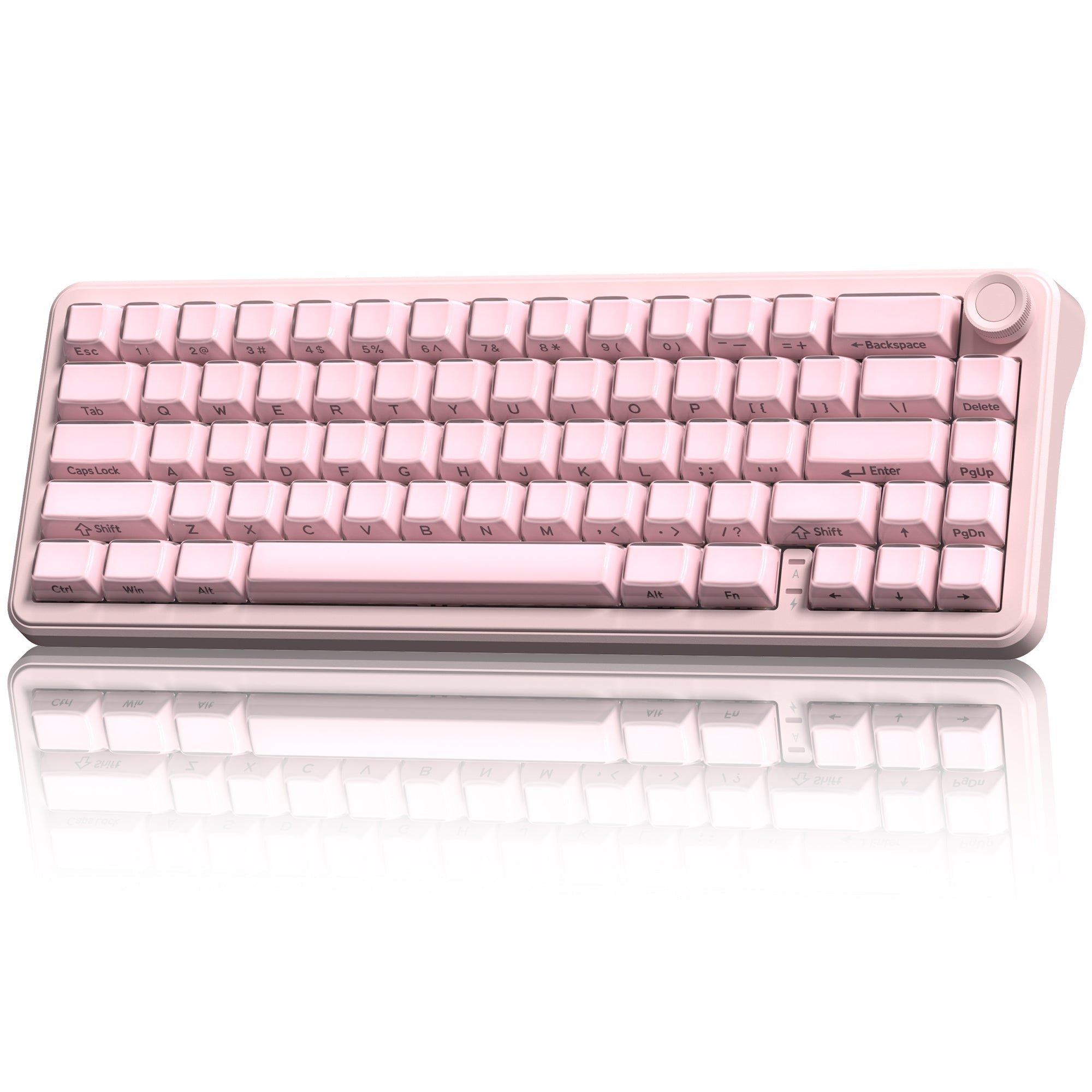


Layout, the word is familiar to keyboard lovers, but may confuse beginners. To meet different users’ needs in space, functionality, portability, aesthetics, and typing habits, there are multiple layouts to choose from: full-size, TKL, 75%, 65%, 60%, etc.
The percentages are compared with the full-size one. Below, we will introduce the differences, their best use cases, and hope it can be a friendly guide to refreshments, picking the best layout that meets their needs.
Full-Size Keyboard
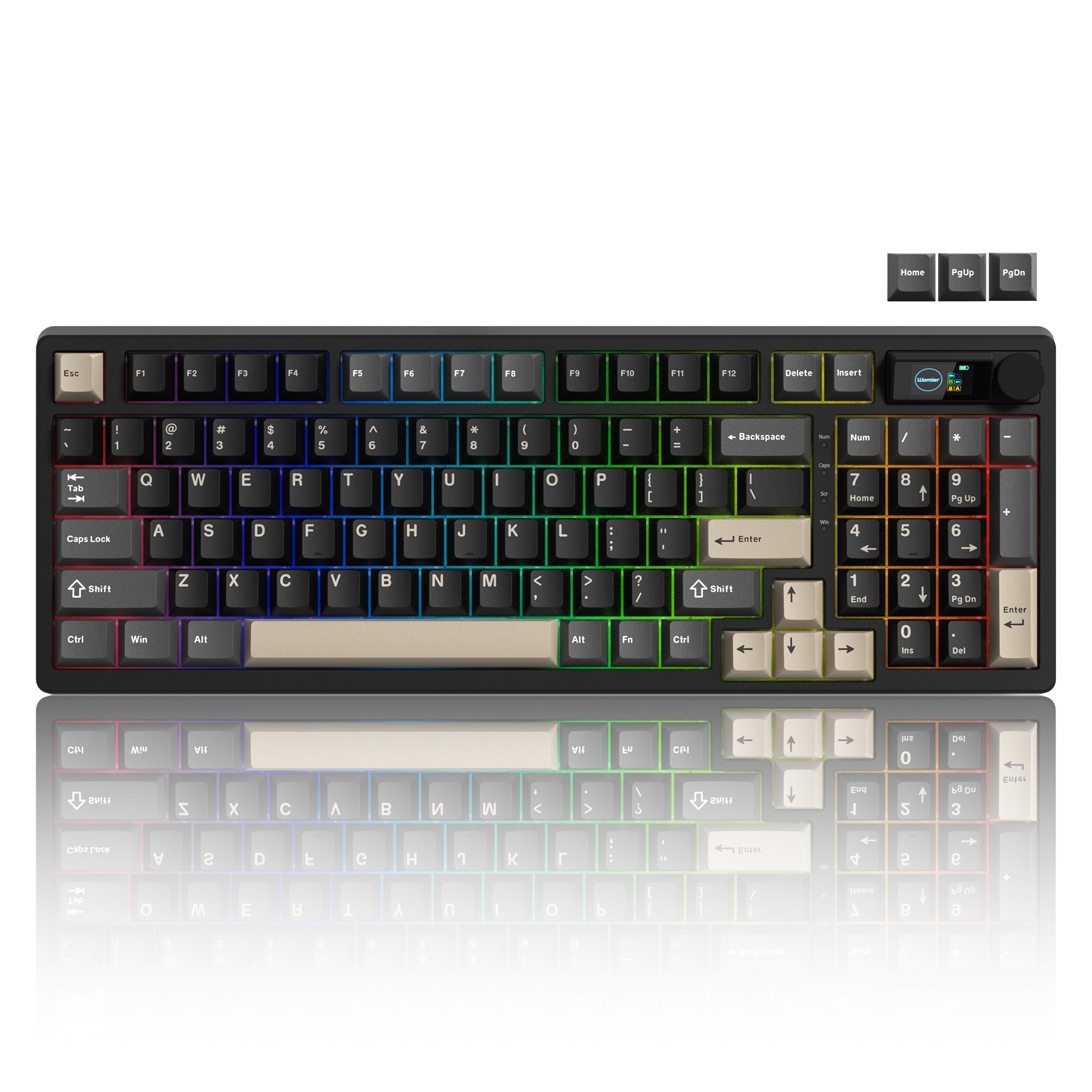
A full-size keyboard is also called a 100% keyboard. It is the standard keyboard layout that typically has 104 keys and 108 keys, including an alphanumeric cluster, function keys (F1-F12), navigation keys (Insert/Delete/Home/End/PgUp/PgDn), and a numpad.
A full-size keyboard meets the functional needs of all users. With a complete set of function keys and a dedicated numpad, it significantly improves input efficiency and accuracy. For accountants who handle large amounts of numerical data and programmers who rely on frequent shortcuts and debugging operations, a full-size keyboard greatly enhances workflow speed and overall productivity.
Cons: Less suitable for users who have limited desk space or a compact workspace.
TKL Keyboard
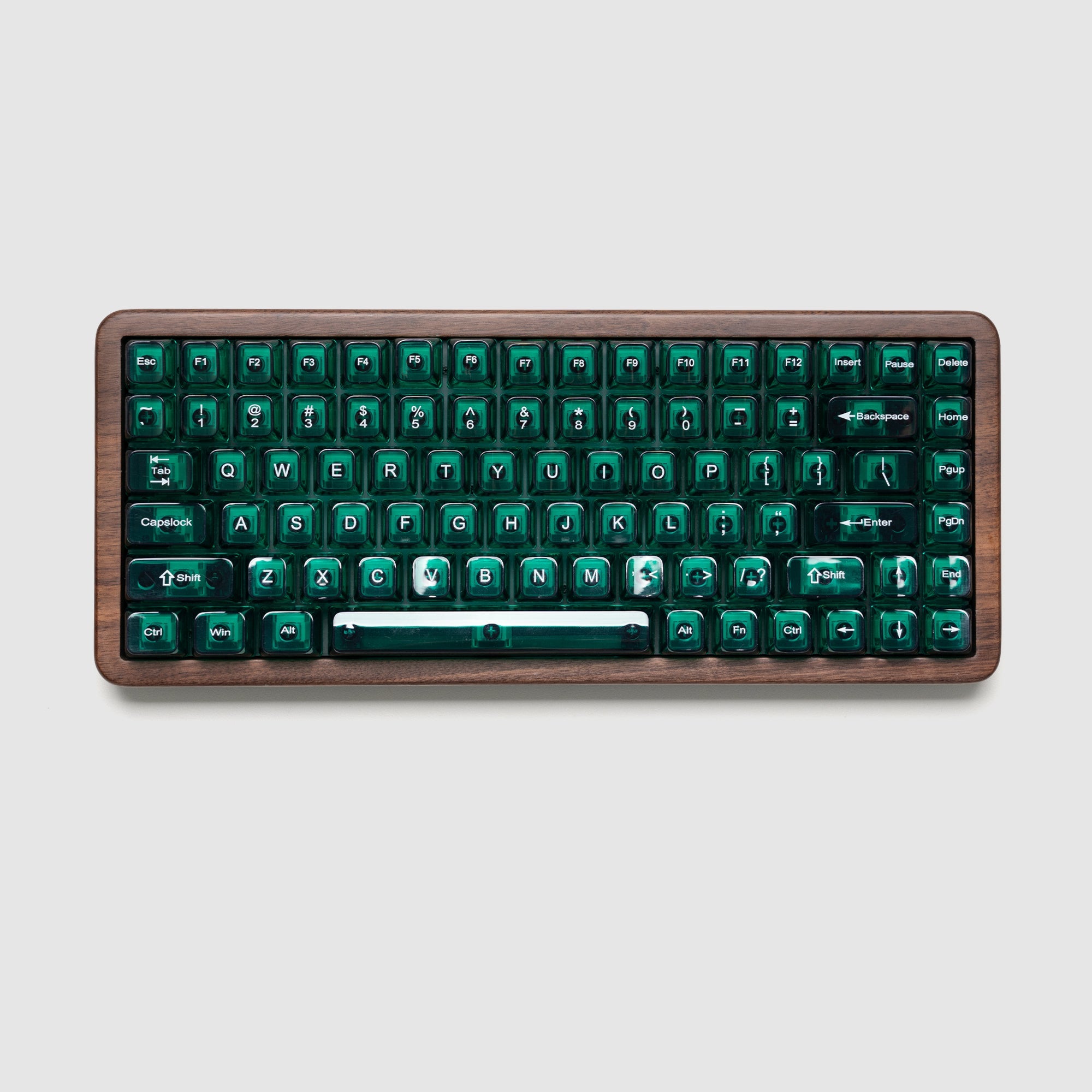
A TKL keyboard is also known as an 80% keyboard. TKL for tenkeyless, which means the numpad was removed, with only alphanumeric cluster, navigation keys, and function keys left.
Compared to full-size keyboards, TKL keyboards (typically in 87 keys) only omit the numpad, resulting in minimal loss of functionality. The freed-up space provides more room for mouse movement, making it ideal for gamers.
At the same time, it’s also a great choice for daily office work and for programmers or developers who don’t frequently use the numpad. Striking a perfect balance between functionality and space, TKL keyboards meet the needs of most users.

75% Layout Keyboard
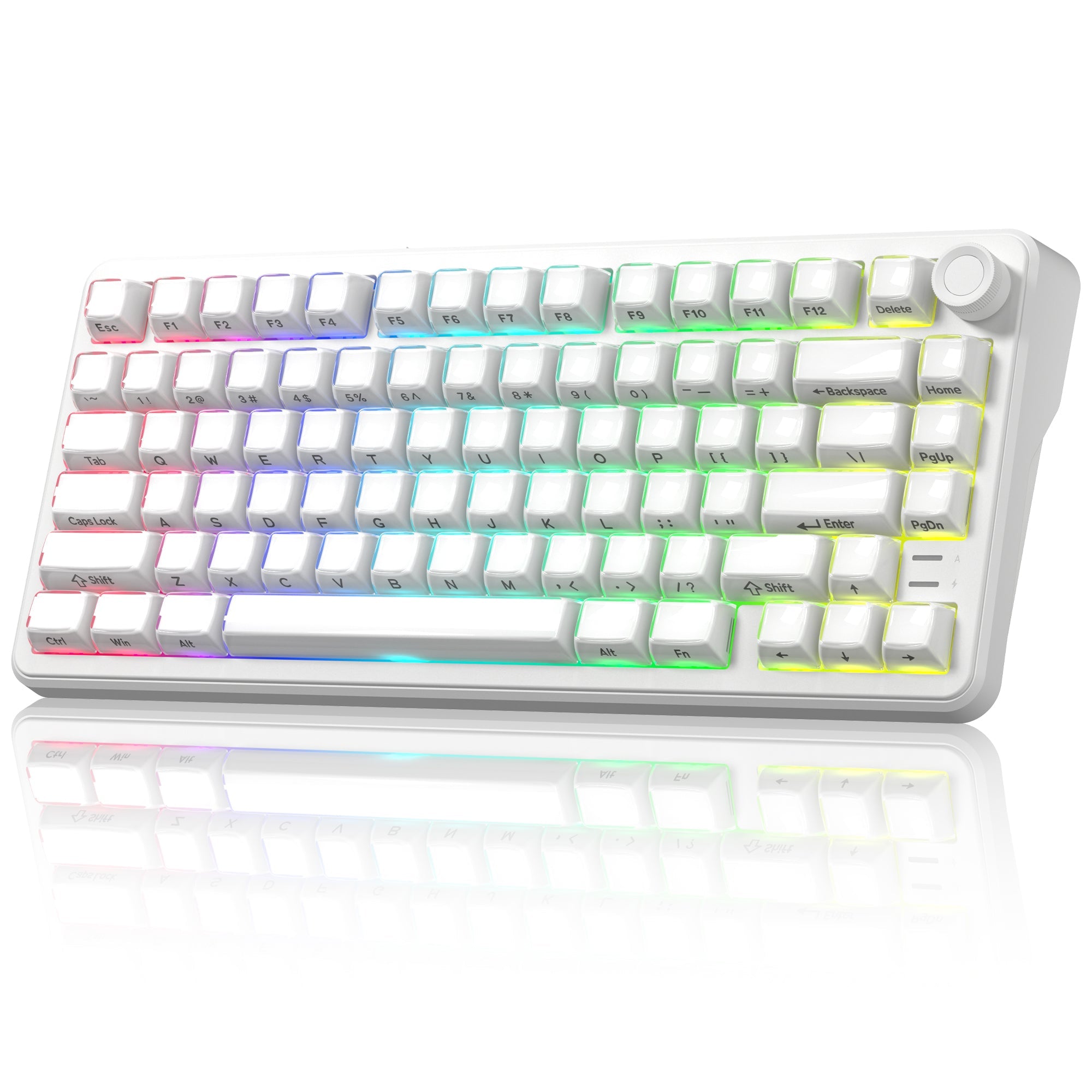
75% layout keyboards, typically featuring 84 keys, strike a perfect balance between compactness and functionality. Compared to an 80% keyboard, the 75% layout retains only some navigation keys, with the rest accessible via key combinations. Its more compact arrangement of the navigation keys also saves additional desk space.
A 75% keyboard performs well in almost any scenario—whether you’re gaming, typing, or handling daily office tasks. For users who value a clean, minimalist workspace and have a strong sense of visual aesthetics, a 75% keyboard stands out as the ideal choice.

Womier 75% Layout Keyboard Collection:
https://womierkeyboard.com/collections/75-layout-keyboards
65% & 60% Layout Keyboard
Both 65% and 60% layout keyboards are the ideal choices for portability.
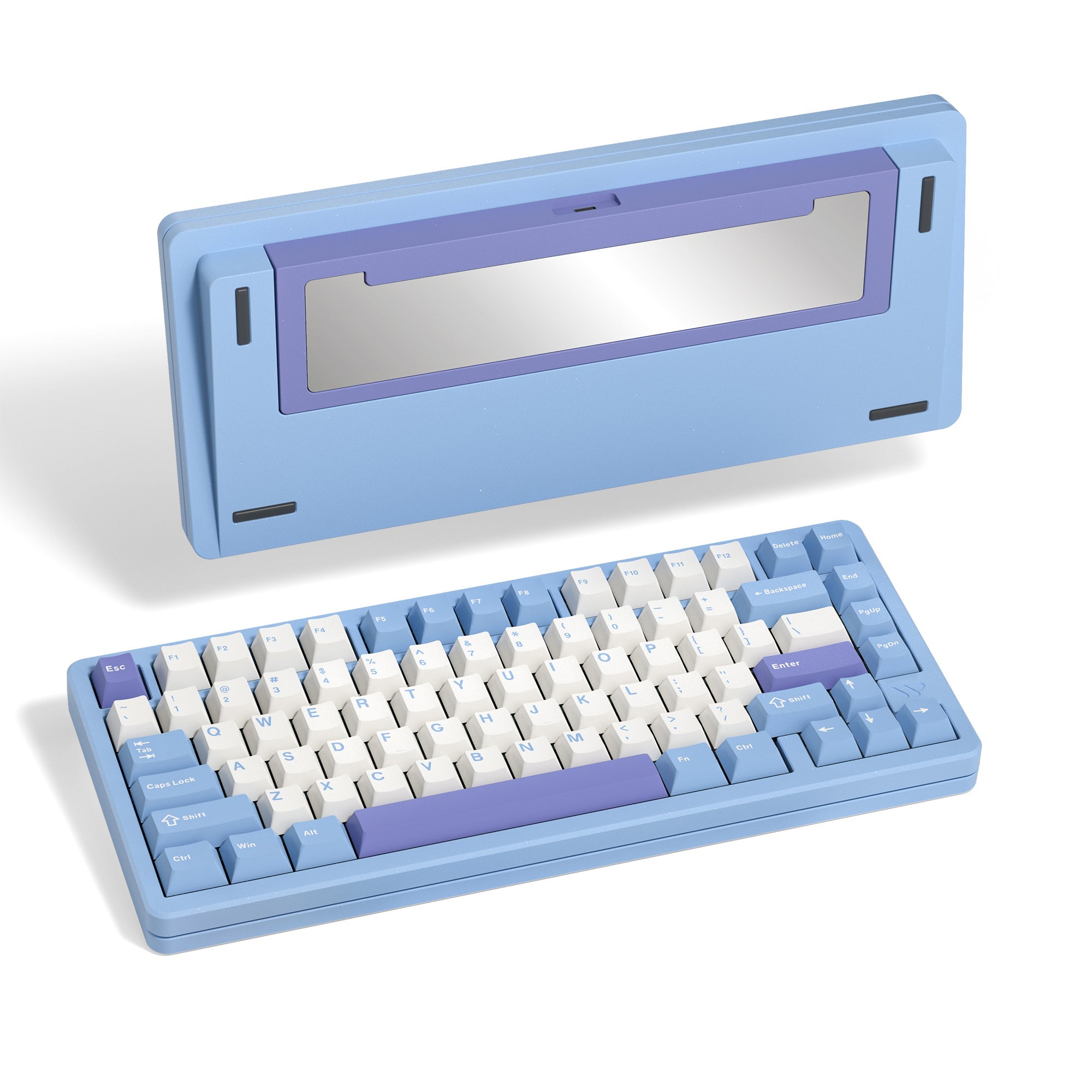
A 65% layout keyboard removes the entire function row while keeping the arrow keys and some navigation keys. As a result, more actions rely on Fn-layer combinations.

The arrow key is the main feature that differentiates the 65% keyboards and 60% keyboards.
A 60% keyboard is even more compact than a 65% keyboard, lacking the dedicated arrow cluster and all navigation keys, relying heavily on Fn-layer shortcuts.

Thanks to their highly compact layouts, both 65% and 60% keyboards are excellent for on-the-go use. They’re particularly convenient for students and anyone who frequently works in different locations, offering great portability without giving up too much essential functionality.
Moreover, the 60% keyboard is ideal for gamers who enjoy FPS games. With no dedicated arrow keys, it avoids the accidental key presses that can sometimes happen on a 65% keyboard. The compact layout also gives the mouse more room to move, reduces the distance between the mouse and the AWSD keys, creating a more comfortable setup for long gaming sessions.
Layout Comparison

Final
The keyboard layout is one of the first things people consider when choosing a keyboard, as it has a direct impact on the overall user experience. The best choice depends on your habits, workflow, and desk space. Understanding these differences makes it easier to choose a keyboard that truly fits your daily use.
Visit here to find more options for you!
